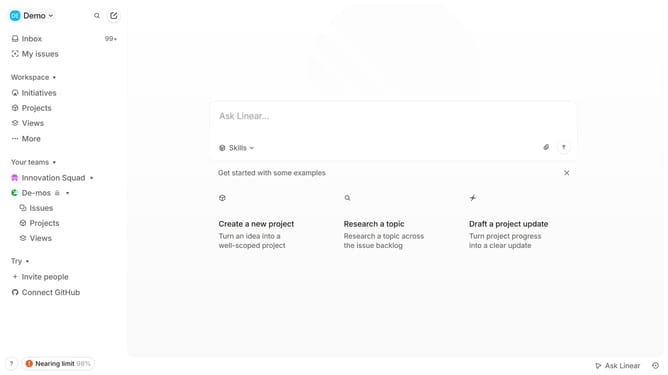
How to create project updates on Linear
Here is how to create project updates on linear
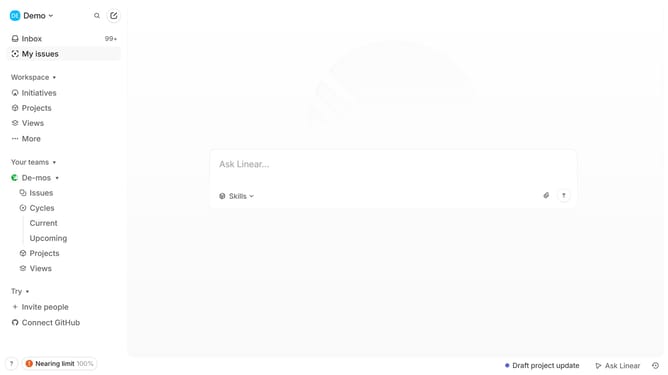
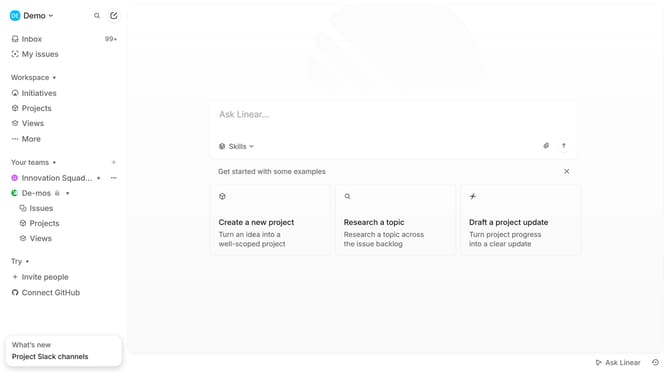
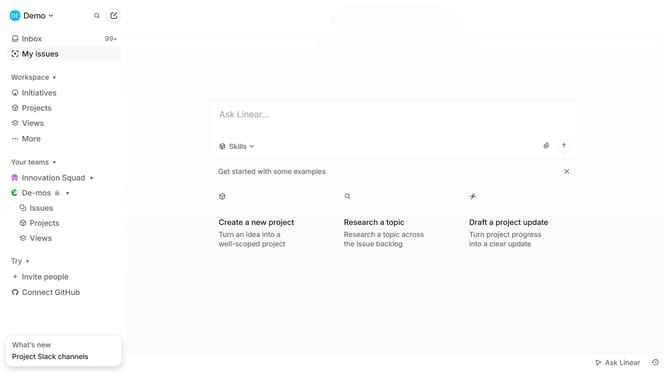
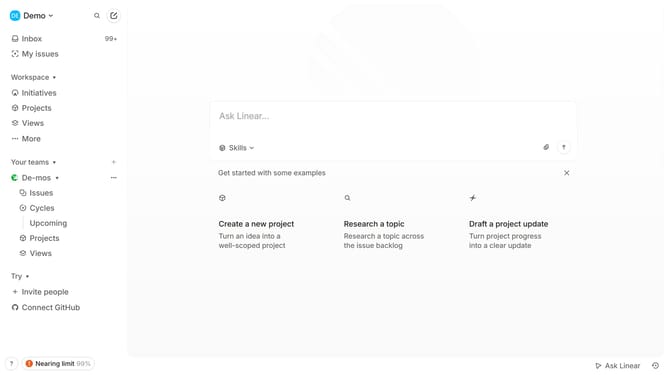
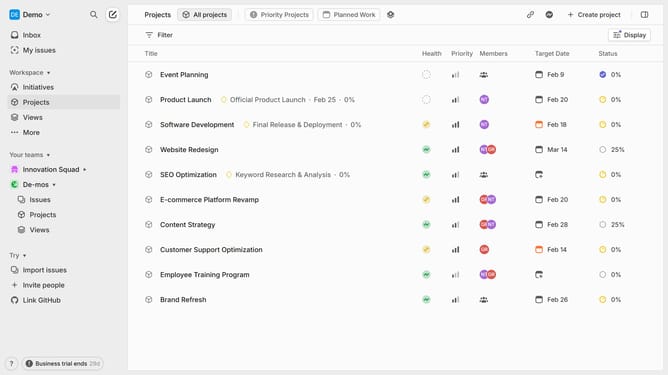
- First, navigate to your workspace and click "Projects" in the left sidebar
- Then, select the project you want to create an update for
- Inside the project, click on the "Health Status" tab located in the top-right corner
- Enter a title for your update and provide key details about the project's progress or changes
- You can attach any relevant files or links if necessary
- Choose the appropriate health status for the project, such as "On Track" "At Risk" or "Off Track"
- When ready, click "Post Update" to publish it
- This will post the update to the project's timeline and keep your team informed about the progress and any changes
Why should you create project updates on Linear
Linear is a streamlined project management tool designed to enhance team productivity and workflow.
Creating project updates on Linear is an intuitive process that ensures your team remains aligned and informed. These updates serve as a central hub for tracking project progress, reducing communication gaps and minimizing needless back-and-forth.
Using this feature fosters transparency and accountability, as team members can easily access the latest advancements and decisions regarding a project. Furthermore, it enables quick adjustments and agile planning, allowing for a smoother, more efficient project lifecycle.
Last update