How to export issues on Linear
Here is how to export issues on linear
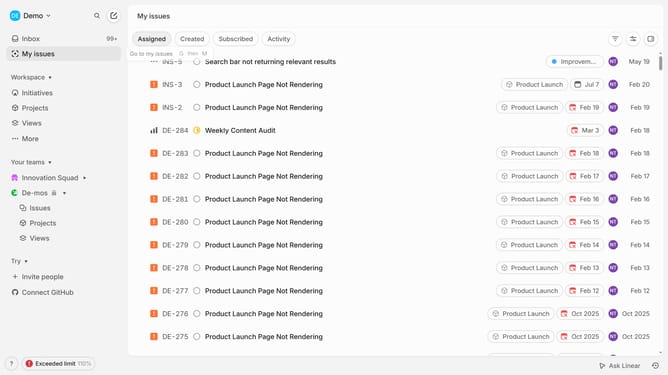
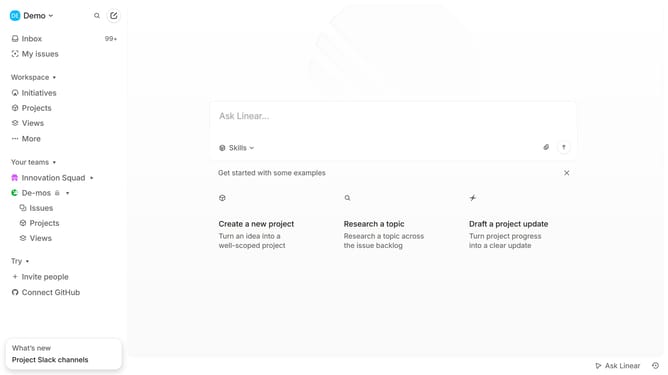
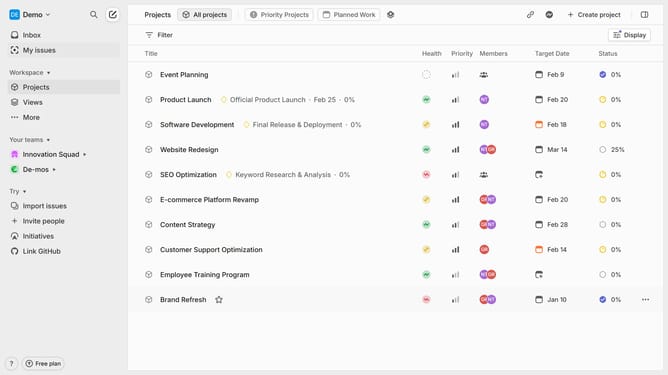
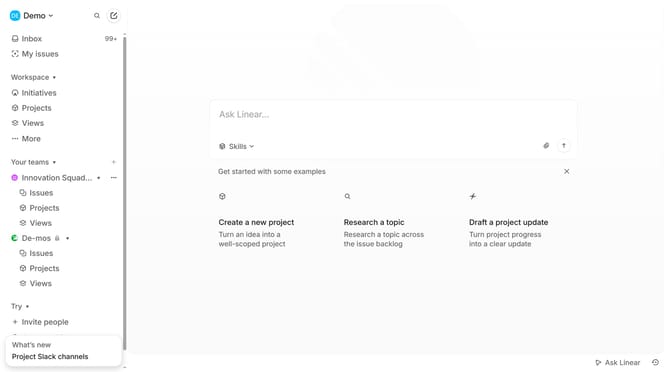
- First, go to your workspace and click "My issues" in the left sidebar
- Next select the issues you want to export
- Click on "Command" at the bottom
- Then type "export" in the command search box
- Click "Import Export" from the search results
- You will be redirected to settings, click "Export CSV" again to confirm the export
- Finally, check your email, and once the export is ready, download it
Why should you export issues on Linear
Linear is a seamless tool designed to streamline project management with precision and efficiency.
The ability to export issues on Linear is pivotal for teams aiming to maintain thorough record-keeping and facilitate seamless data analysis.
By utilizing this feature, you can ensure vital information is preserved and accessible, enhancing collaborative efforts across departments.
It provides an easy way to share insights and updates with stakeholders, driving informed decision-making and optimizing workflow management.
Last update