How to italicize text in tables within project documents in Linear
Here is how to italicize text in tables within project documents in linear
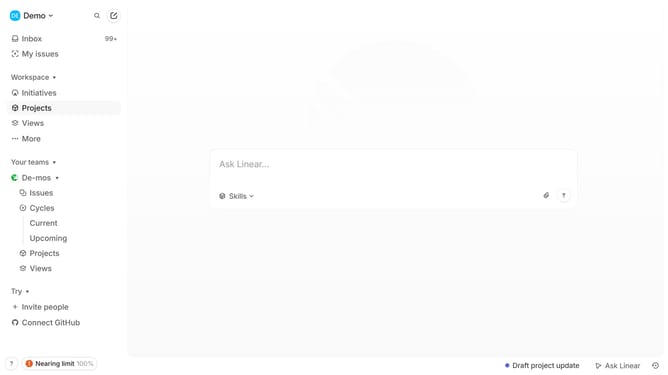
- First click on "Projects" in the sidebar
- Then click on the project name to open it
- Next click on the document link in the "Resources" section
- Then click and highlight the word that you want to manage to show options
- Finally click on the "I" button in the formatting toolbar
Why should you italicize text in tables within project documents in Linear
Linear is a seamless project management tool designed to streamline team productivity and collaboration.
In Linear, italicizing text within tables in project documents offers a subtle yet impactful way to emphasize certain information. Whether it’s highlighting key metrics, denoting draft entries, or distinguishing variable names, this feature ensures clear communication.
Adding italics allows teams to convey nuances without cluttering the table with colors or larger fonts, enhancing both readability and professionalism in presentations and reports.
Last update