How to rename a team in Linear
Here is how to rename a team in linear
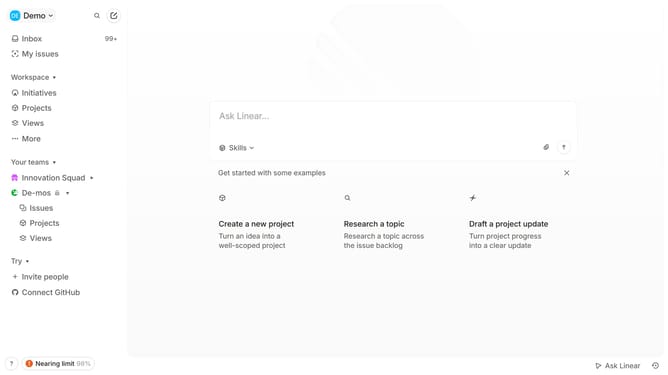
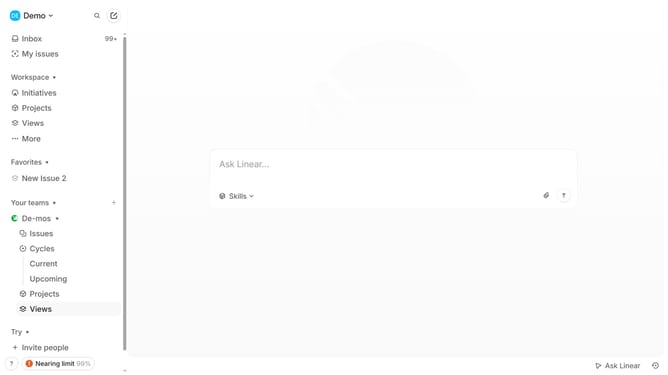
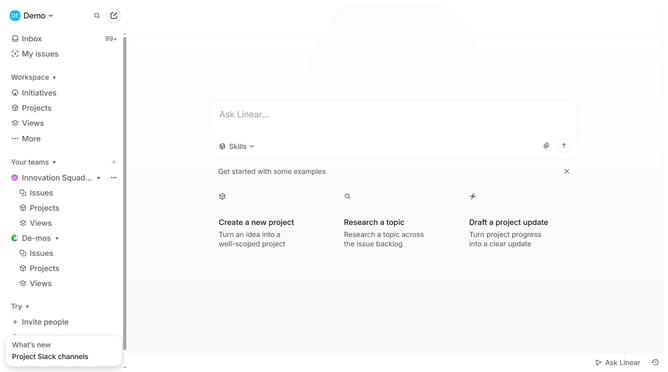
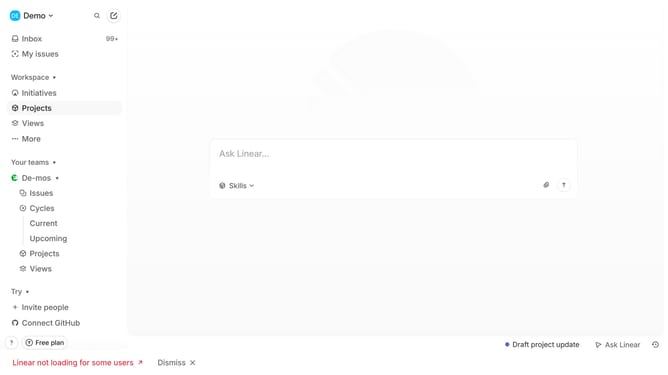
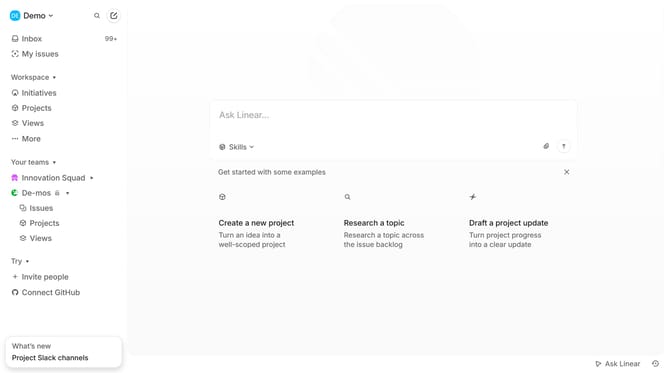
- First click on the team name that you want to manage from the left sidebar
- Then click on "Team settings" in the menu that appears
- Next, click on the "General" option under team settings
- Then click on the team name field and edit it
- Finally, click anywhere outside the input field to save changes
Why should you rename a team in Linear
Linear is a sophisticated tool designed to streamline project management and optimize team workflows.
Renaming a team in Linear is a feature that enhances organization scalability and identifies distinct roles within your teams. It allows you to maintain clarity as your organization evolves, ensuring everyone stays aligned with the project's mission.
Using this feature can improve communication by providing clear team identities and objectives. This simple modification encourages efficiency, making collaboration smoother and more intuitive for everyone involved.
Ultimately, this capability contributes to a seamless project management experience, making Linear an invaluable asset for growing teams.
Last update