How to disable Linear app notifications for updates in Linear
Here is how to disable linear app notifications for updates in linear
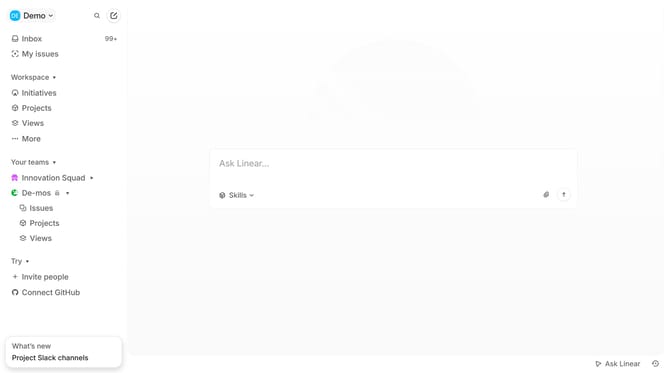
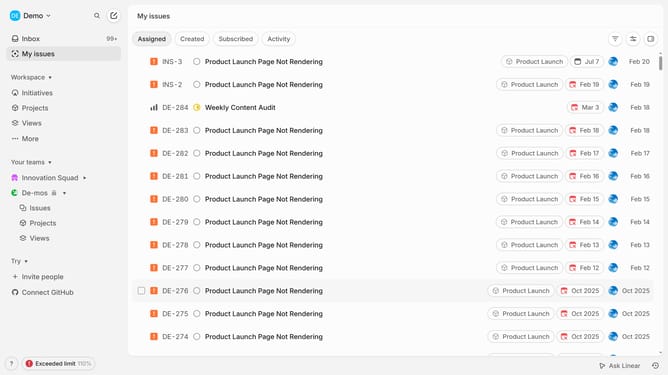
- First click on the "Demo" dropdown in the header
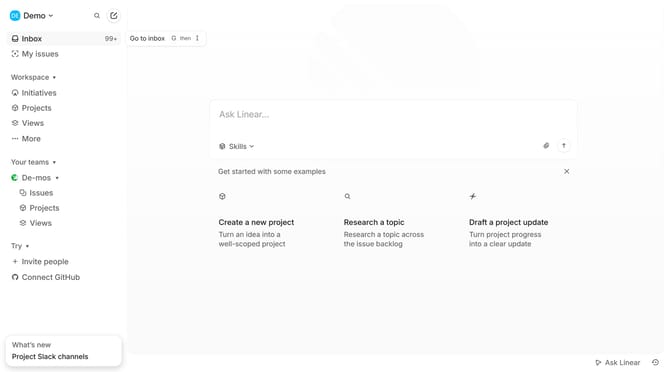
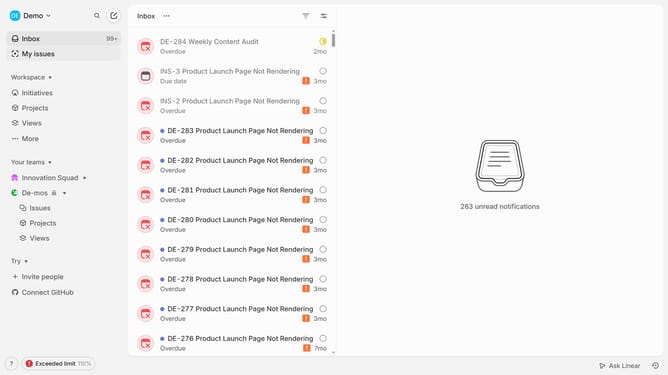
- Then select "Inbox" from the sidebar
- Next click on "Notifications" in the sidebar
- Then select the "Mobile" option under Notification channels
- Finally, toggle the switch for "Updates" to the OFF position
Why should you disable Linear app notifications for updates in Linear
Linear is an intuitive project management tool designed for streamlined task tracking and collaboration.
One notable feature is the ability to disable update notifications. This allows users to maintain focus without interruption, fostering a more productive work environment.
Disabling these notifications can be particularly beneficial when working on tasks that require deep concentration. It enables teams to manage the flow of information and prioritize essentials, reinforcing efficient workflow dynamics.
Last update