How to assign an issue on Linear
Here is how to assign an issue on linear
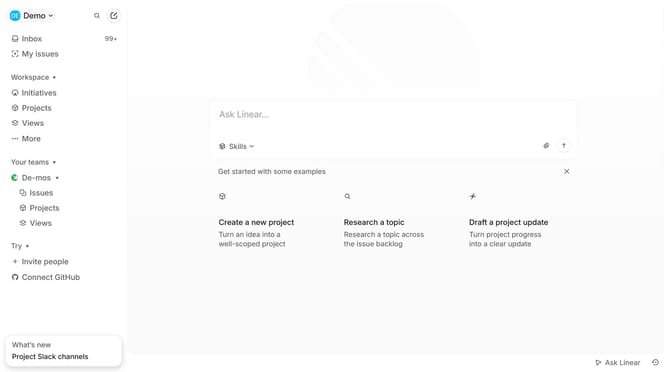
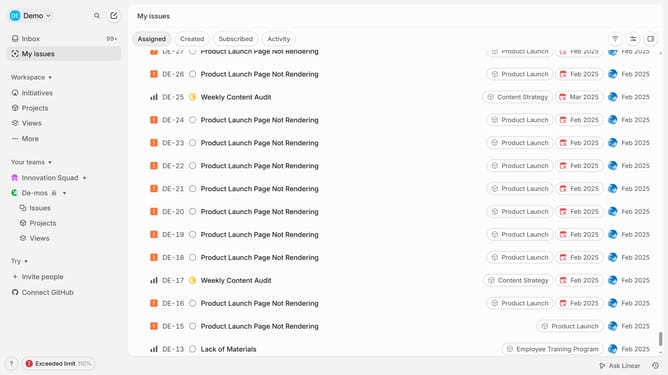
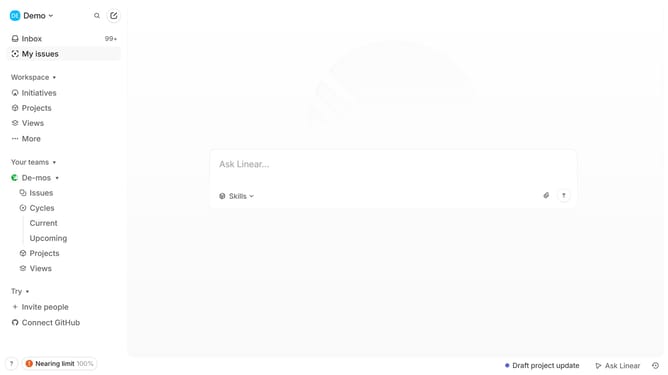
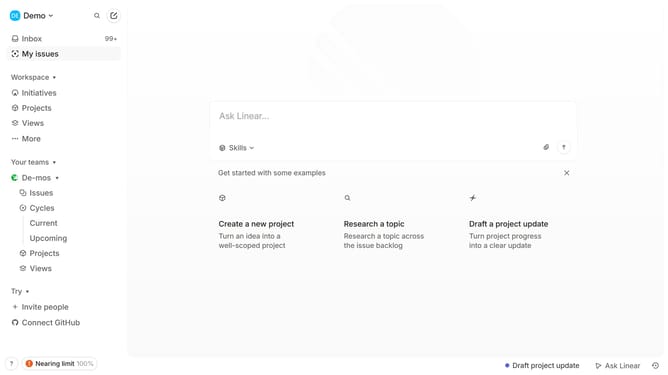
- First click on "My issues" in the left sidebar
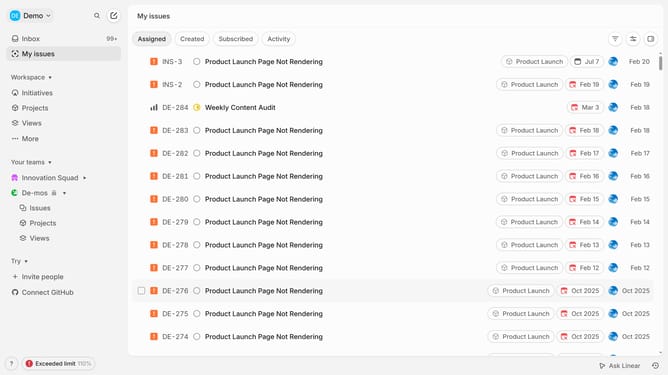
- Then click on the issue title that you want to manage
- Next click on the three dots icon to open the options menu
- In the options menu, click on "Team" to edit team assignment
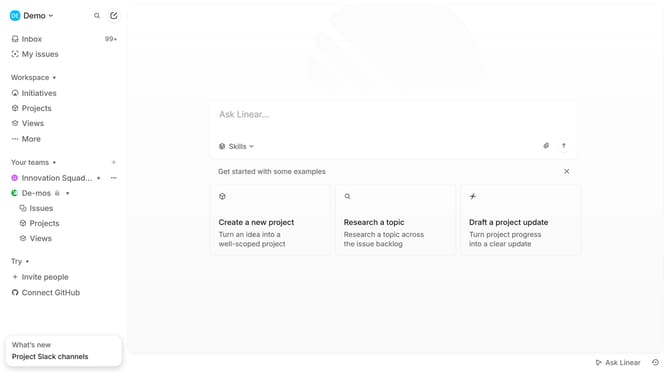
- Click on "Innovation Squad INS" to select it
- Finally, select a name from the assignee list
Why should you assign an issue on Linear
Linear is a streamlined project management tool designed to enhance productivity and team collaboration.
Assigning an issue on Linear is an intuitive feature that helps streamline tasks by designating responsibilities to team members. This capability ensures clarity in team projects by clearly communicating which team member is in charge of addressing specific tasks or challenges.
Using this feature, teams can avoid confusion, improve accountability, and foster efficiency in project management. This leads to a more organized workflow and helps maintain seamless progression towards project goals.
Last update