How to enable mobile app notifications on Linear app assignments on Linear
Here is how to enable mobile app notifications on linear app assignments on linear
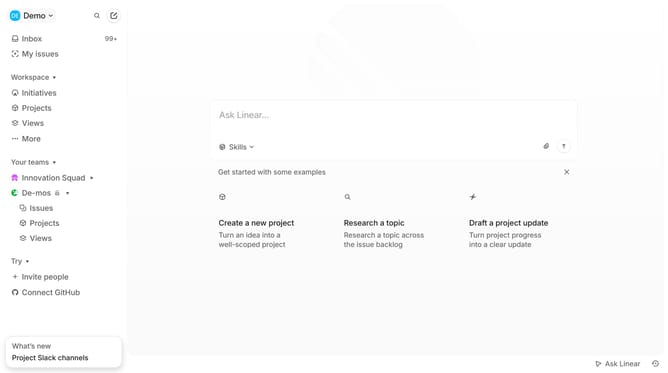
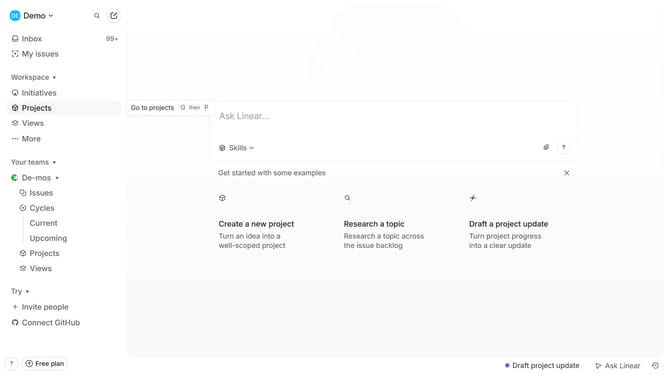
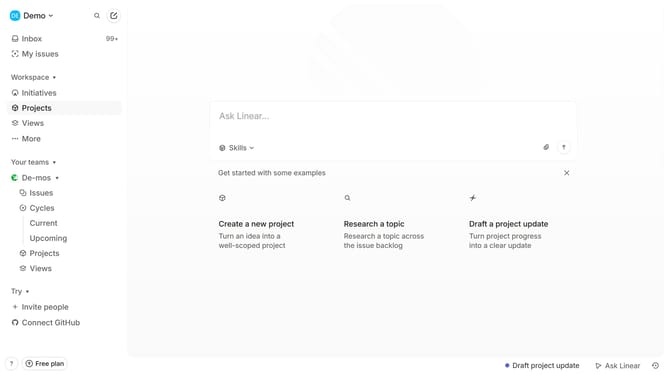
- First click on the "Demo" dropdown in the header to reveal the menu
- Then click on "Settings" in the sidebar menu
- Next, click on the "Notifications" option in the sidebar menu
- After that, click on the "Mobile" notification channel
- Finally, toggle the switch ON for "Assignments" to enable notifications
Why should you enable mobile app notifications on Linear app assignments on Linear
Linear streamlines team collaboration by offering a seamless workflow management experience.
Enabling mobile app notifications for assignments on Linear ensures you stay updated in real-time, never missing crucial updates.
This feature provides the advantage of instantaneous alerts, allowing you to manage tasks and workflows efficiently while on the go.
With dedicated notifications, you enhance productivity and maintain momentum in your projects, responding swiftly to changes and requirements.
Last update