How to disable email notifications for updates in Linear
Here is how to disable email notifications for updates in linear
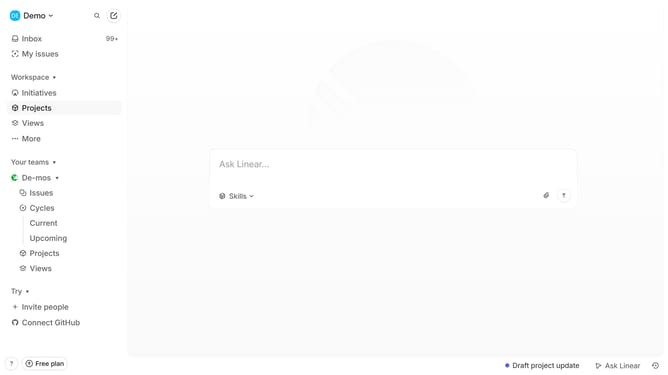
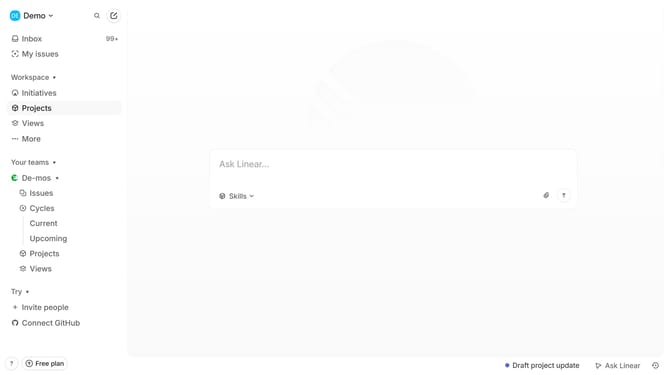
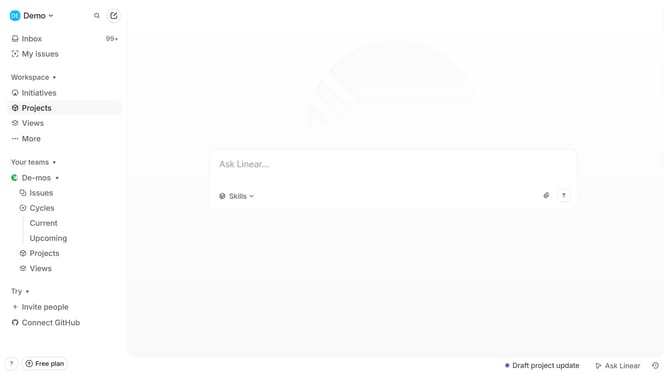
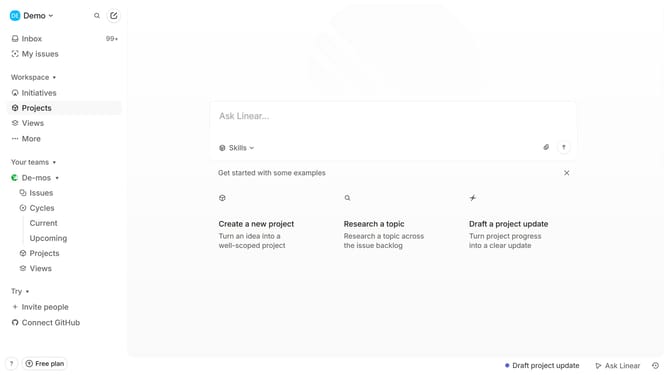
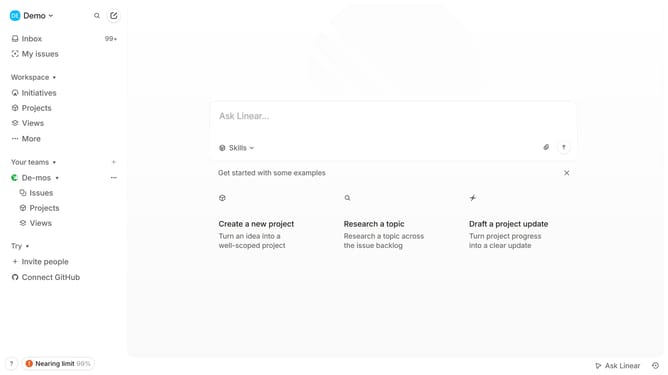
- First click on the "Demo" dropdown in the header
- Then click on the "Settings" option in the dropdown menu
- Next, click on the "Notifications" option in the sidebar
- After that, select the "Email" option to enable email notifications
- Finally, toggle the switch for "Updates" to disable update notifications
Why should you disable email notifications for updates in Linear
Linear is a robust tool designed for streamlining and enhancing team productivity in managing projects.
One of the great features of Linear is the ability to tailor your communication preferences by disabling email notifications for updates. This feature helps users concentrate better by reducing distractions from constant notification inflow, allowing for a focused workflow.
By choosing when and how you receive updates, you maintain control over your information consumption, paving the way for a more organized and efficient work environment.
Last update