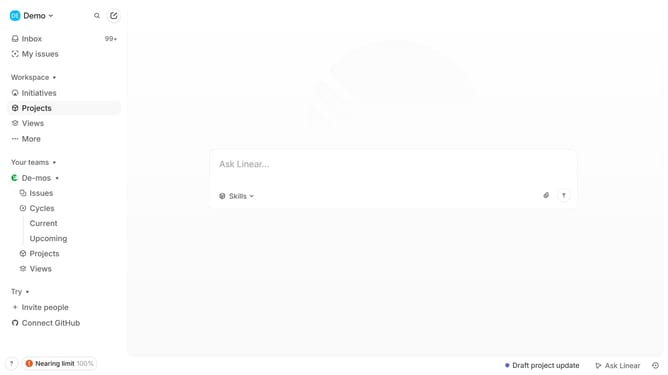
How to add rows on tables to documents in a project on Linear
Here is how to add rows on tables to documents in a project on linear
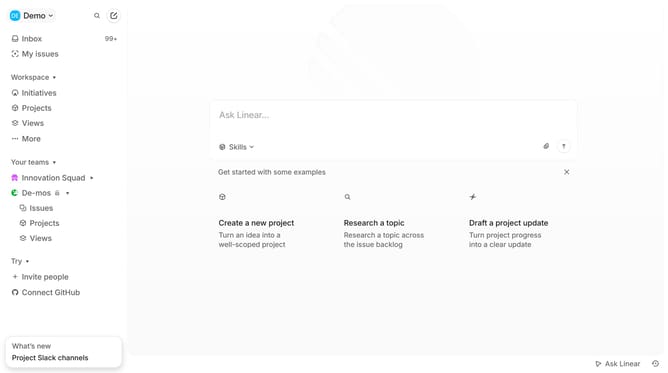
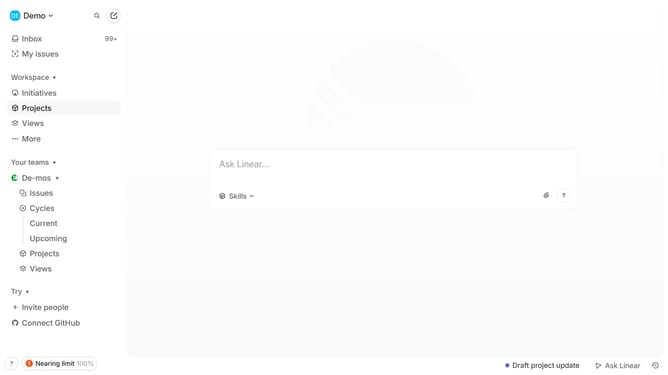
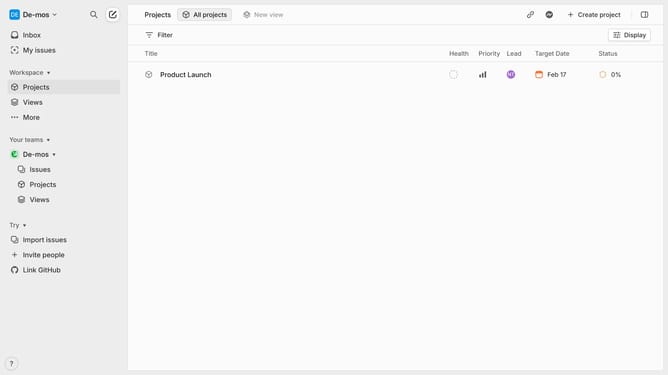
- First click on "Projects" item in the left sidebar
- Then click on the project name within the "Projects" section
- Next, click on the document resources link
- Then click on the table to see options
- Finally click on the "+" button to add a new resource
Why should you add rows on tables to documents in a project on Linear
Linear is a streamlined project management tool designed to enhance team productivity with an intuitive interface.
Adding rows to tables in documents on Linear is a feature that amplifies organization by allowing teams to structure their information precisely. By incorporating additional rows, users can detail tasks, deadlines, and responsibilities clearly and efficiently.
This feature not only enriches documentation but also facilitates smoother communication and collaboration among team members. Utilizing rows in tables enhances clarity, ensuring all necessary information is readily accessible.
Last update