How to disable email notifications for apps and integrations in Linear
Here is how to disable email notifications for apps and integrations in linear
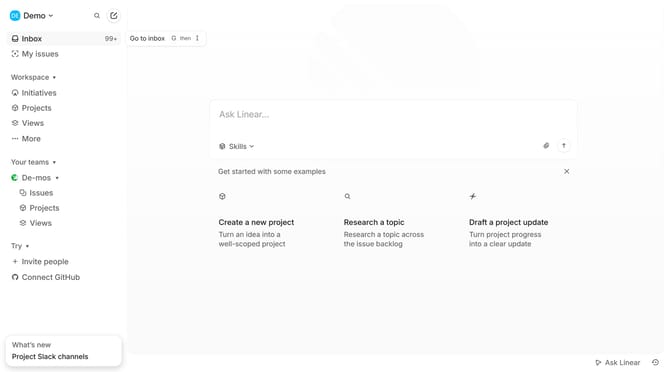
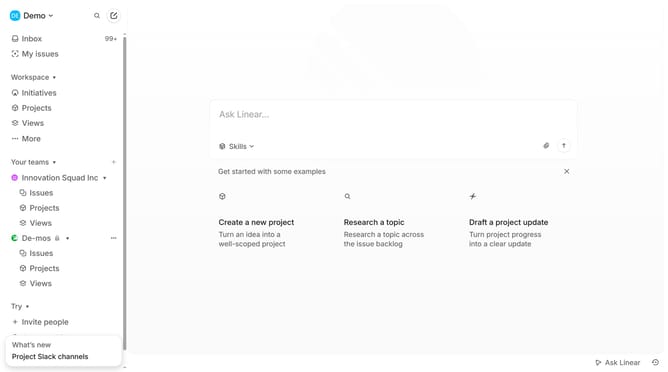
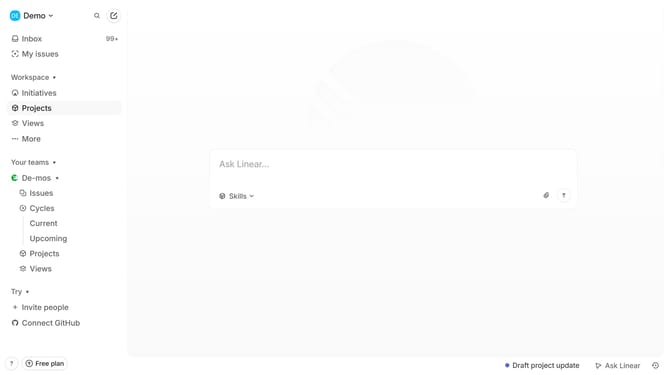
- First click on the "Demo" dropdown in the header
- Then click on "Settings" in the opened dropdown menu
- Next, select "Notifications" from the sidebar
- After that, click on the "Email" option in the main content area
- Finally, click on the toggle switch for "Apps and integrations"
Why should you disable email notifications for apps and integrations in Linear
Linear is a streamlined project management tool designed for efficiency and clarity in team workflows.
One of Linear’s standout features is the ability to disable email notifications for various apps and integrations. By managing how and when you receive notifications, you can reduce inbox clutter and stay focused on what truly matters.
This not only enhances productivity but also helps in maintaining a distraction-free environment, allowing continuous progress without unnecessary interruptions.
Ultimately, this feature empowers you to tailor your notification preferences to perfectly suit your work habits, ensuring a smoother and more personalized workflow.
Last update