How to add images to documents in a project on Linear
Here is how to add images to documents in a project on linear
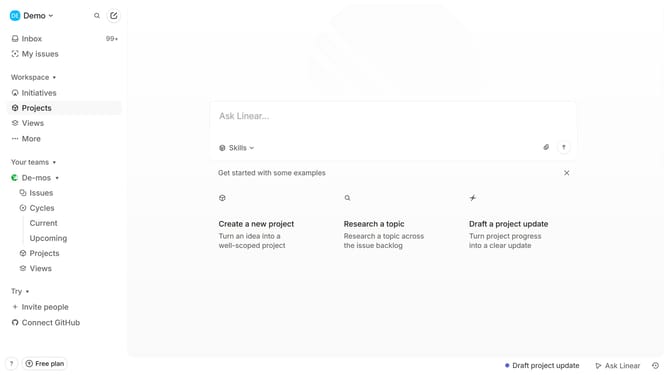
- First click on "Projects" in the sidebar
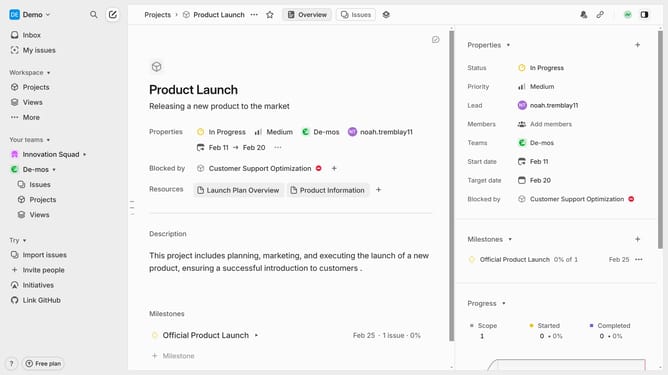
- Then click on the project name from the project list
- Next, click on the document link in the Resources section
- Then click on the text field and input "/image"
- Finally, click on the "Insert media" button and select your preferred image
Why should you add images to documents in a project on Linear
Linear is a streamlined tool designed to enhance team productivity through efficient project management.
The ability to add images to documents in a project on Linear enriches the documentation process.
Visual elements can clarify complex concepts, making communication within the team more effective.
Incorporating images also creates visually appealing documents, promoting engagement and understanding among project members.
Last update