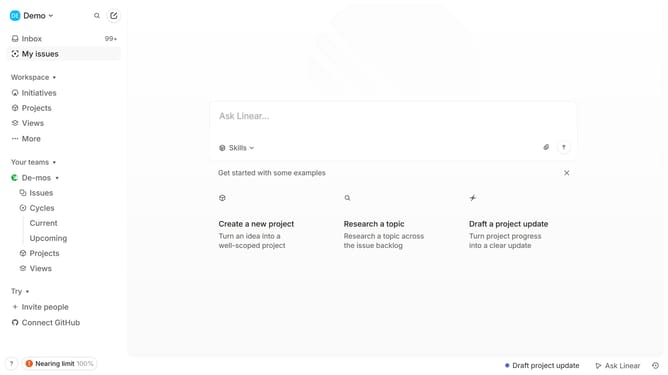
How to enable email notifications for reactions in Linear
Here is how to enable email notifications for reactions in linear
- First click on the "Demo" dropdown in the header
- Then click on "Settings" in the dropdown menu
- Click on "Notifications" in the sidebar
- Click on "Email" in the main content area
- Finally click on the toggle switch for "Reactions" to enable it
Why should you enable email notifications for reactions in Linear
Linear is an innovative productivity tool designed to streamline task management for modern teams.
By enabling email notifications for reactions in Linear, users can stay updated on team feedback without constantly checking the app. This feature ensures that you never miss a critical comment or reaction, keeping communication clear and immediate.
Receiving notifications directly in your inbox allows you to maintain focus on your tasks while being promptly informed of updates, fostering a more efficient and responsive workflow.
Last update