How to assign a view to another user in Linear
Here is how to assign a view to another user in linear
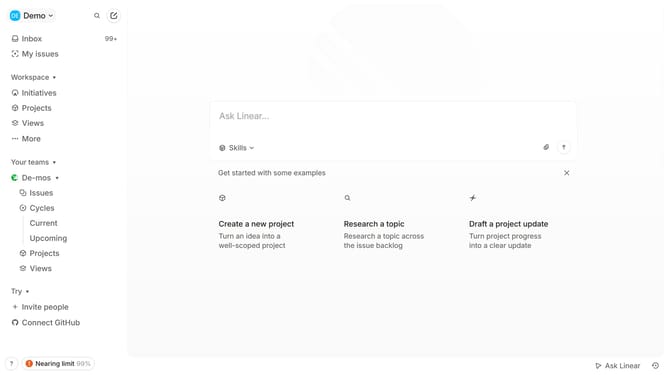
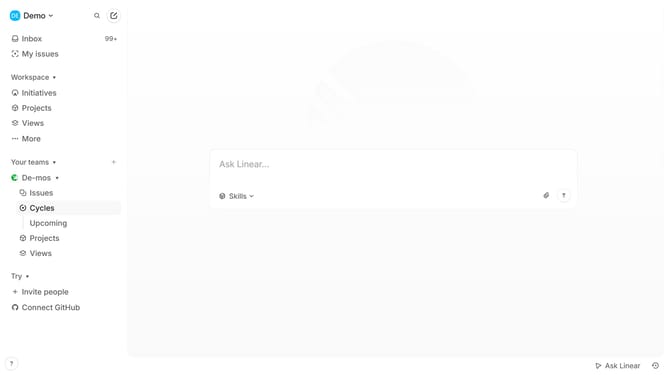
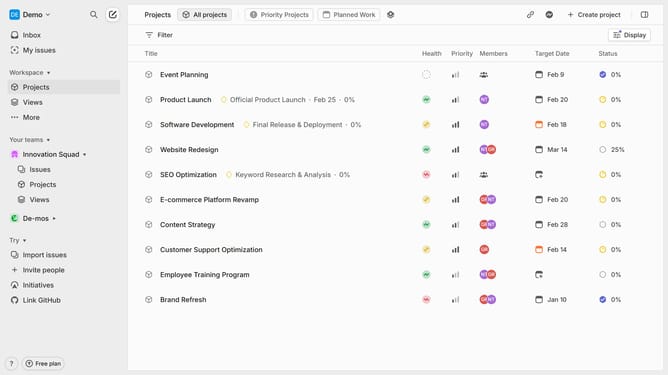
- First click on "Views" in the sidebar
- Then click on the view that you want to manage
- Next, click on the three-dots button in the header
- Then select "Owner" from the dropdown menu
- Finally, click on the name of the new owner to assign ownership
Why should you assign a view to another user in Linear
Linear is a modern tool designed to streamline and enhance project management through seamless task organization.
One of its nifty features is the ability to assign views to other users, which can be a game-changer in collaborative environments. By reallocating perspectives, team members can quickly access relevant information without navigating through excess data, enhancing productivity.
This feature fosters transparency and ensures that everyone is aligned with project goals, facilitating efficient task delegation and prioritization within the team.
Last update