How to connect Google Sheets to Linear
Here is how to connect google sheets to linear
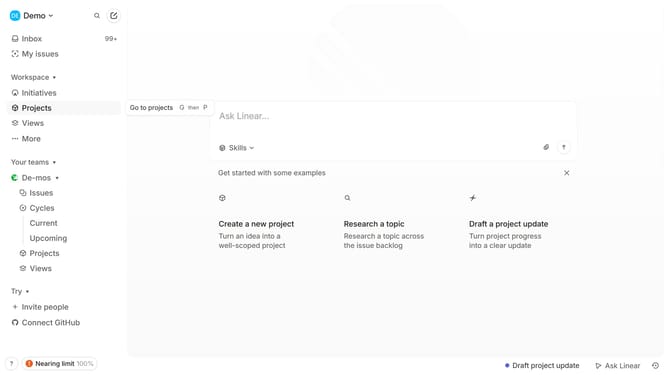
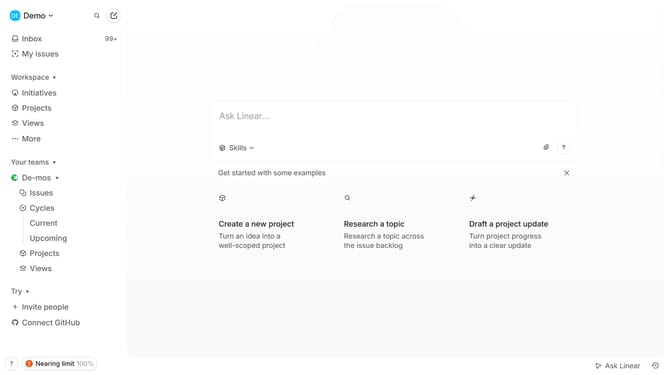
- First click on "Demo" in the left sidebar
- Then click on "Settings" in the dropdown menu
- Then click on "Integrations" in the left sidebar
- Then click on the "Google Sheets" integration card
- Then click on the "Enable" button
- Then click on your Google account
- Finally click on the "Continue" button to confirm integration
Why should you connect Google Sheets to Linear
Linear is an agile-focused project management tool designed to streamline workflow and task tracking.
Connecting Google Sheets to Linear enhances data management by allowing for seamless import and export of information between the two platforms. This integration can help you manage and analyze project data efficiently.
By bridging these tools, you gain a holistic view of your project progress, making it easier to create reports and insights while ensuring that your entire team stays updated with the latest data.
Last update