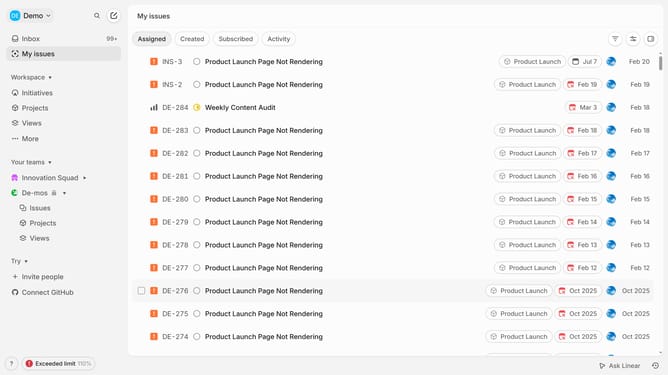
How to create templates on Linear
Here is how to create templates on linear
- First go to your workspace and click on the dropdown in the top header
- Then click on "Settings" in the dropdown menu
- Next click on "Templates" in the left sidebar menu under Features
- Then choose the type of template (Issue, Project, or Document)
- Click on "New Template" to start creating a new template
- Give a name for your template
- Add a title and description or instructions for using the template with pre-filled content that should appear when using the template
- Finally, click "Create" to save and store it for future use
- Your template is now ready to use when creating new issues, projects, or documents, depending on your selection
Why should you create templates on Linear
Linear is a streamlined project management tool designed to enhance workflow efficiency.
Creating templates on Linear saves time by providing a structured approach to recurring tasks. This feature allows users to establish consistency and maintain quality across projects effortlessly.
By utilizing templates, teams can align their processes, reduce repetitive setup tasks, and quickly adapt to dynamic project requirements. This results in improved productivity and a more cohesive project execution.
Last update