How to edit an update on Linear
Here is how to edit an update on linear
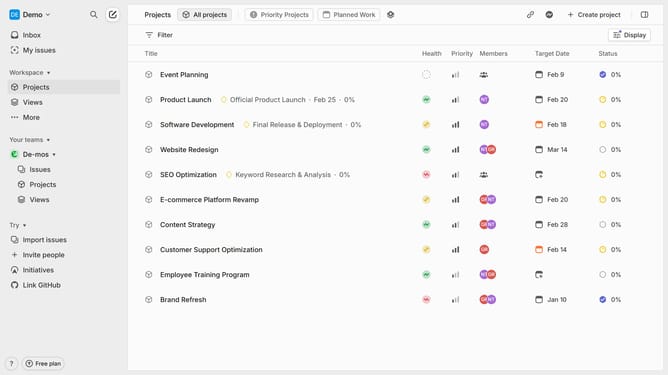
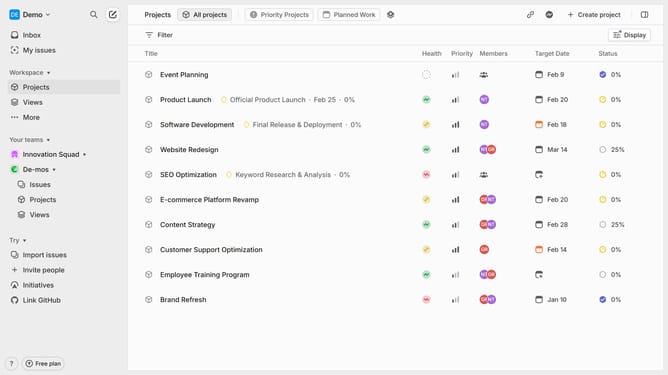
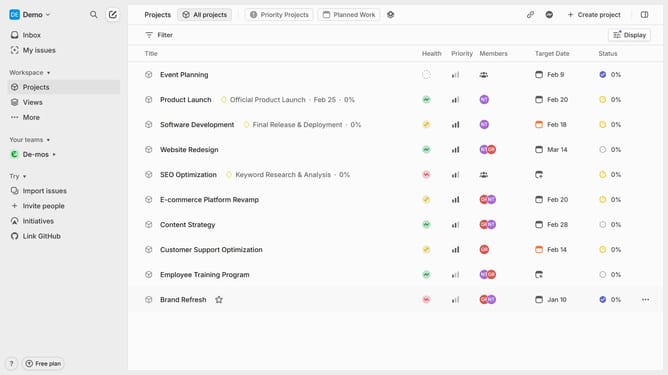
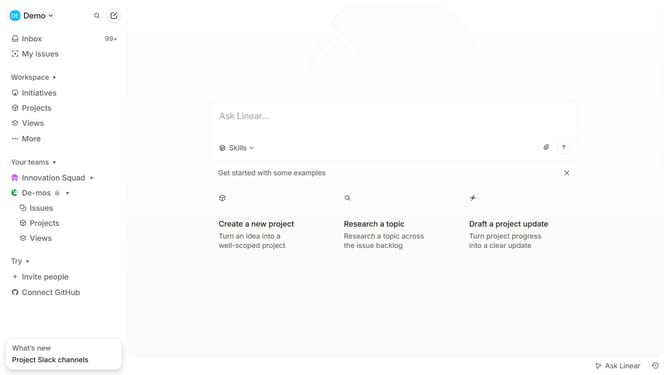
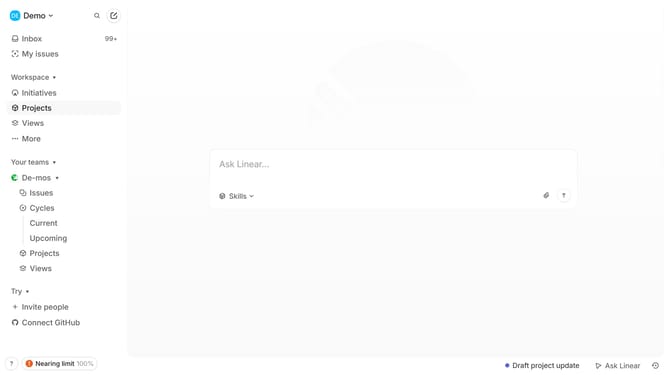
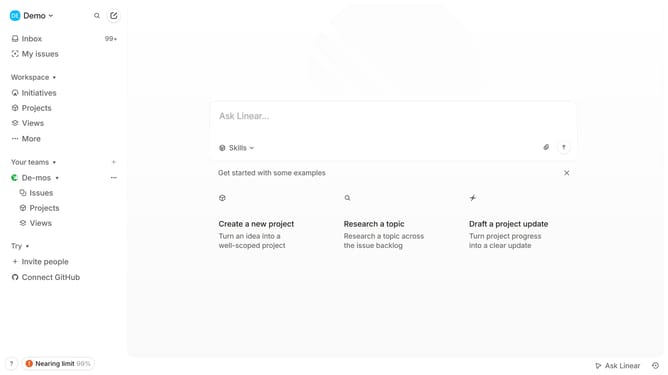
- First click on the "Projects" item in the left sidebar
- Then click on the "Software Development" project
- Next, click on the three dots icon to open the options menu
- After that, click on the "Edit" option
- Then click on the text area to edit the description
- Finally, click on the "Save" button
Why should you edit an update on Linear
Linear is a streamlined tool designed to enhance team collaboration and project management with precision and ease.
Editing an update on Linear is a straightforward process that allows team members to keep information current and actionable. This feature ensures that projects reflect the latest developments, fostering efficiency and accuracy in workflows.
Using the update editing feature not only maintains transparency but also enhances communication within teams. The ability to adjust updates effortlessly empowers users to stay aligned with project goals, reducing misunderstandings and optimizing productivity.
Last update