How to enable cycles on Linear
Here is how to enable cycles on linear
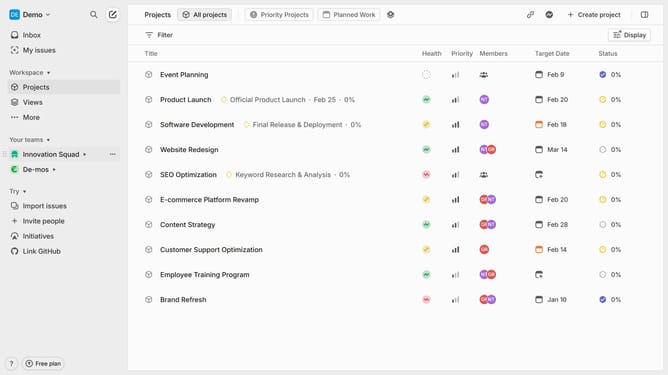
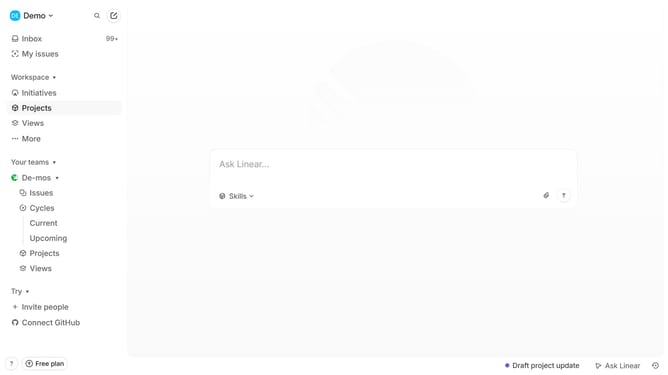
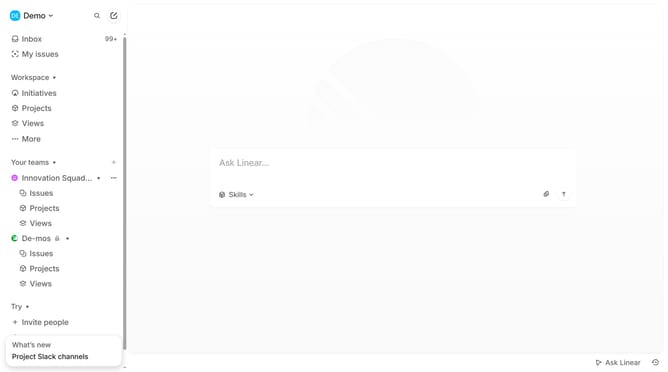
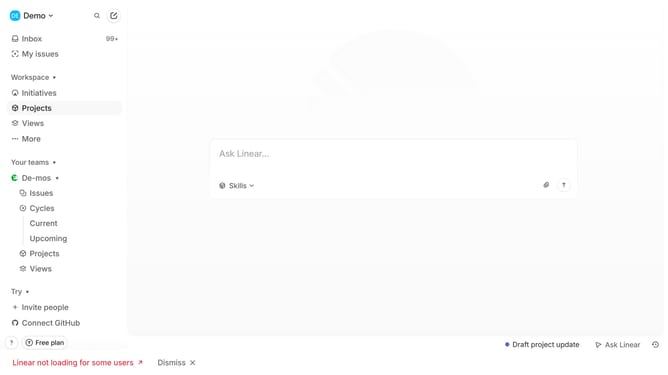
- First click on the three dots button across the team name that you want to manage
- Then click on "Team settings" option
- Next click on "Cycles" option
- Finally click on the toggle to enable cycles
Why should you enable cycles on Linear
Linear is a robust tool designed to streamline task management and workflow optimization for teams.
Enabling cycles on Linear transforms your project management approach by segmenting work into manageable, iterative periods. This feature enhances focus, enabling teams to concentrate on priority tasks, thus boosting overall productivity.
By capitalizing on cycle scheduling, teams can foster a culture of continuous improvement and goal refinement. This strategic approach keeps work dynamic and teams agile, ensuring sustained progress and clarity.
Last update