How to add list in tables within project documents in Linear
Here is how to add list in tables within project documents in linear
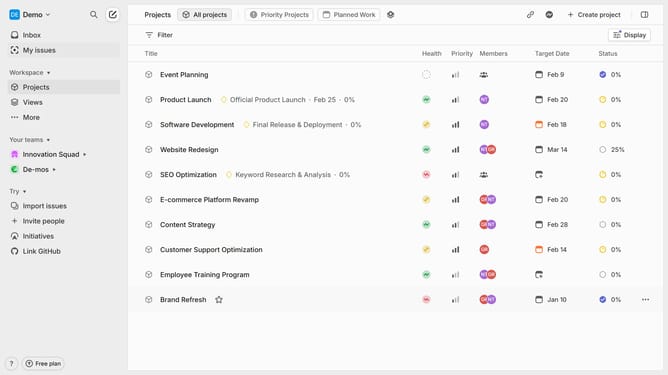
- First click on "Projects" in the left sidebar
- Then click on the project name in the list of projects
- Next click on the document link under Resources section
- Then click and highlight the word that you want to manage to show options
- Click on the list dropdown icon in the toolbar
- Finally click on "List" in the dropdown menu
Why should you add list in tables within project documents in Linear
Linear is a streamlined tool designed to enhance productivity by managing projects with utmost efficiency.
One of its key features allows you to add lists within tables in project documents, ensuring that detailed information is organized and easy to navigate.
This functionality promotes clarity and a comprehensive overview within your project framework. Adding lists in tables helps create order, making your data more digestible and actionable.
Ultimately, it transforms project management into a more coherent and effective process, optimizing team collaboration and output.
Last update