How to enable Linear app notifications for billing in Linear
Here is how to enable linear app notifications for billing in linear
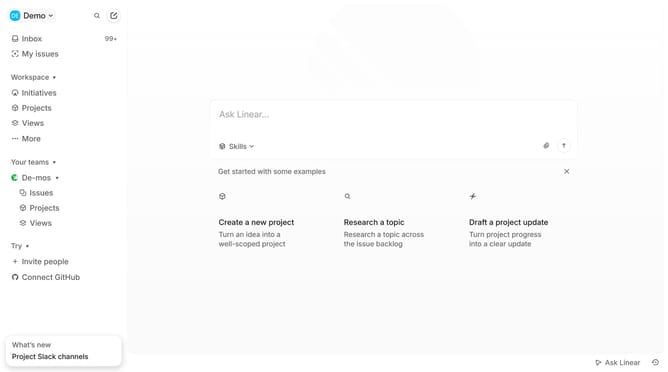
- First click on the "Demo" dropdown in the header
- Then click on "Settings" in the dropdown menu
- Then click on "Notifications" in the sidebar
- Then click on the "Mobile" option in the main panel
- Finally click on the toggle to enable "Billing" in the main panel
Why should you enable Linear app notifications for billing in Linear
Linear is a tool designed to streamline team workflows and project management processes.
Enabling notifications for billing in Linear ensures that you never miss an important update regarding your financial commitments. Staying informed about billing alerts can help you manage budgets more effectively and avoid any unexpected charges.
This feature is vital for maintaining transparency and control over team expenditures, supporting a more organized and financially stable operation.
Last update