How to add a strikethrough on updates on projects on Linear
Here is how to add a strikethrough on updates on projects on linear
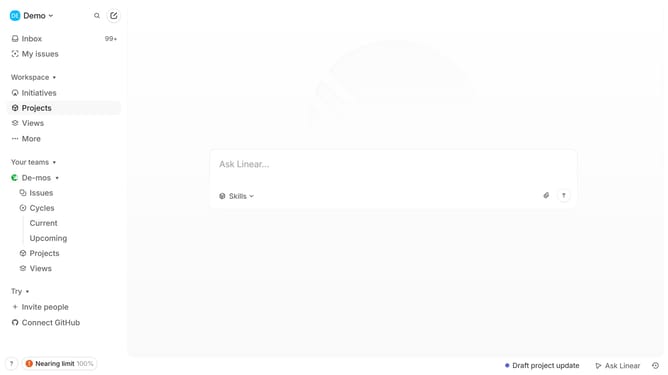
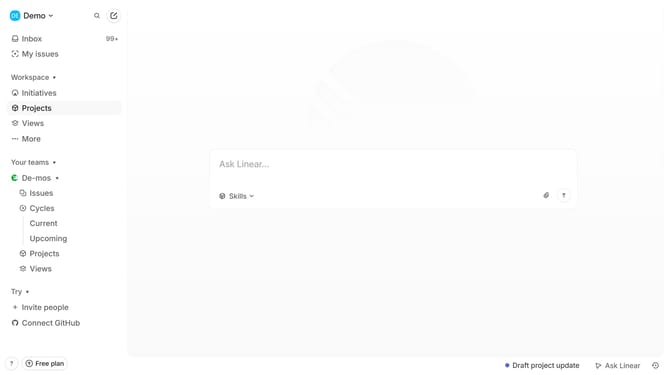
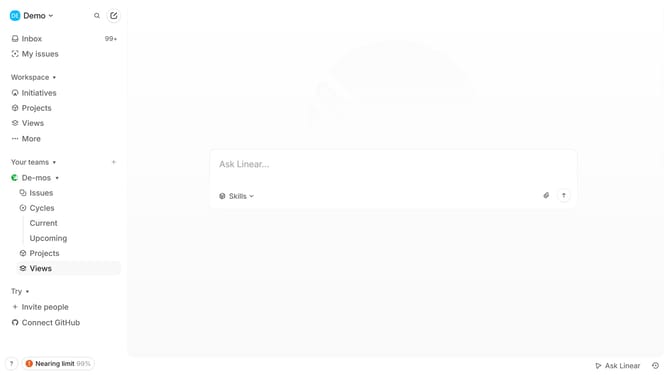
- First click on "Projects" item in the sidebar menu
- Then click on a project that you want to manage
- Then click on the "three dots" icon in the project details
- Then click on the "Edit" option from the dropdown menu
- Then click on the text to select it
- Then click on the "Strikethrough" button in the formatting toolbar
- Finally click on the "Save" button
Why should you add a strikethrough on updates on projects on Linear
Linear is a streamlined project management tool designed to boost team productivity and project clarity.
One of its handy features is the ability to add a strikethrough to updates, offering a clear visual cue for completed tasks or changes. This can easily enhance transparency in communication among team members.
Using strikethroughs in updates helps track progress while preserving the record of initial plans, thus fostering accountability and ensuring everyone stays on the same page without cluttering the workspace.
Last update