How to set your linear app first day of the week in Linear
Here is how to set your linear app first day of the week in linear
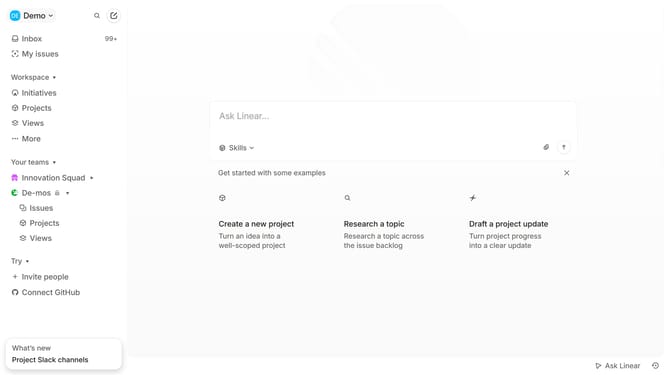
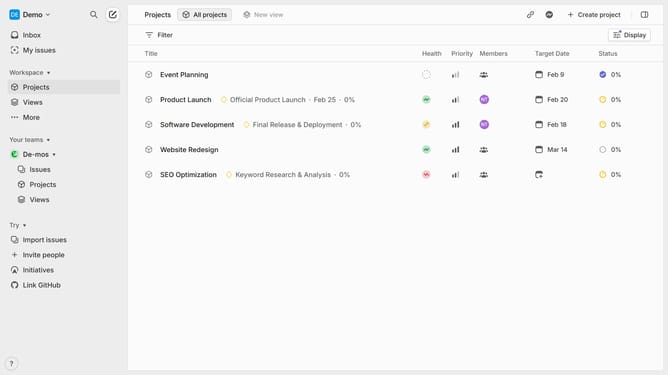
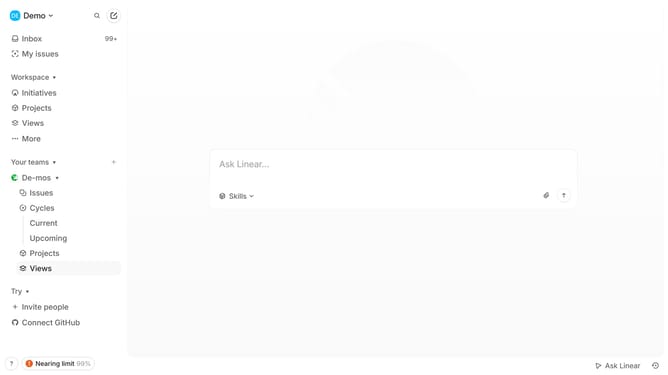
- First click on the "Demo" dropdown in the header
- Then click on "Settings" in the sidebar
- Next click on "Preferences" in the sidebar
- Then click on the "First day of the week" dropdown
- Finally select a day from the dropdown list
Why should you set your linear app first day of the week in Linear
Linear is a streamlined project management tool designed to help teams seamlessly plan, organize, and execute tasks effortlessly.
Being able to set the first day of the week in Linear maximizes organizational efficiency, allowing users to tailor their workflows to match their team's operational habits. This feature enhances productivity by creating a personalized schedule that aligns closely with individuals' unique processes.
Emphasizing flexibility, this functionality empowers teams to start their week with clarity and alignment, ultimately fostering a harmonious work environment.
Last update