How to create a custom view on Linear
Here is how to create a custom view on linear
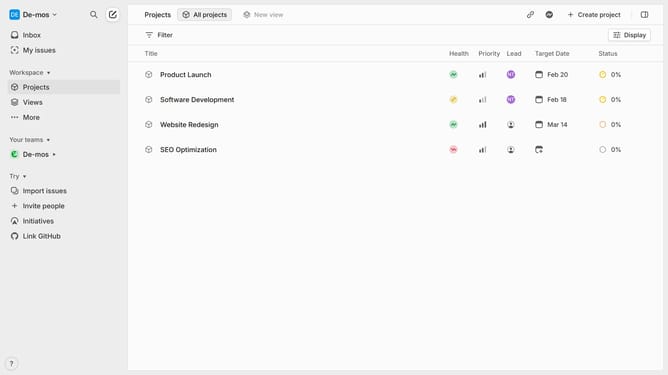
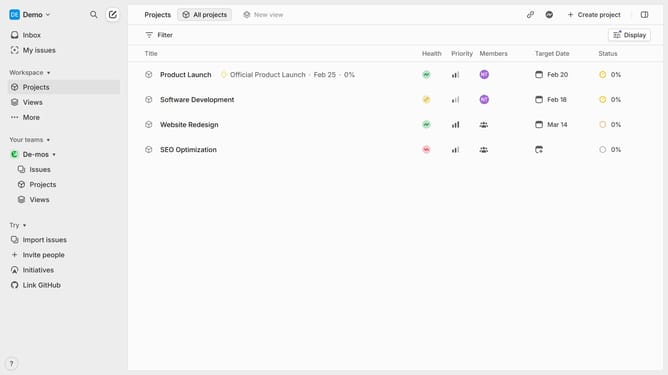
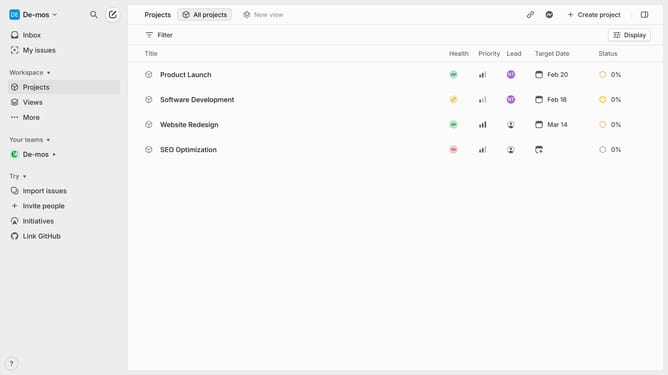
- First click on "Views" section in the sidebar
- Then click on the "Create new view" button
- Next, click on the title input text field in the header and add your title
- Finally click on the "Save" button
Why should you create a custom view on Linear
Linear is a sleek project management tool designed to streamline workflows and enhance team productivity.
Creating a custom view in Linear enables you to tailor your workspace according to your specific needs. This feature allows you to focus on the tasks that matter most, filtering out distractions and emphasizing priorities.
With custom views, you can organize tasks efficiently, enhancing clarity and ensuring you stay on top of your game. It transforms the way teams interact with their project data, fostering a more intuitive and personalized workflow.
Last update