How to connect Zapier to Linear
Here is how to connect zapier to linear
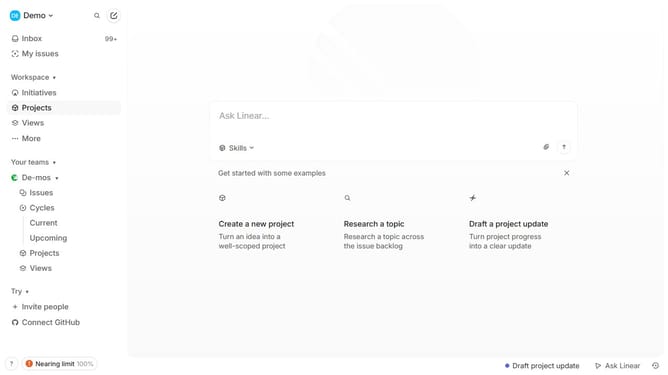
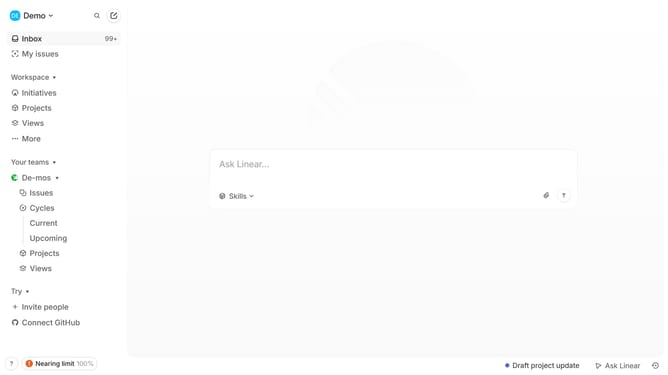
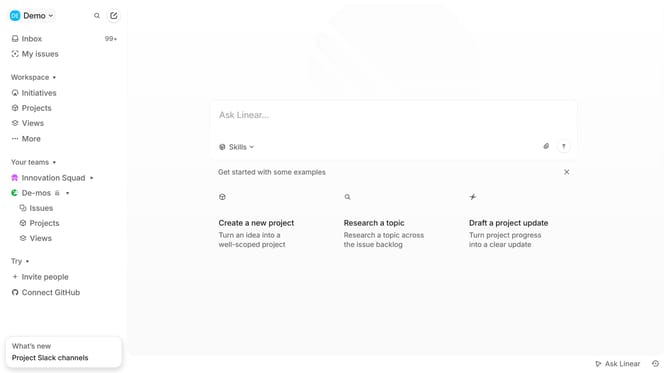
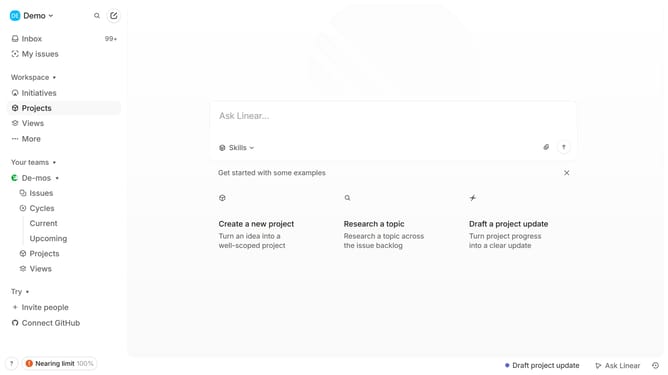
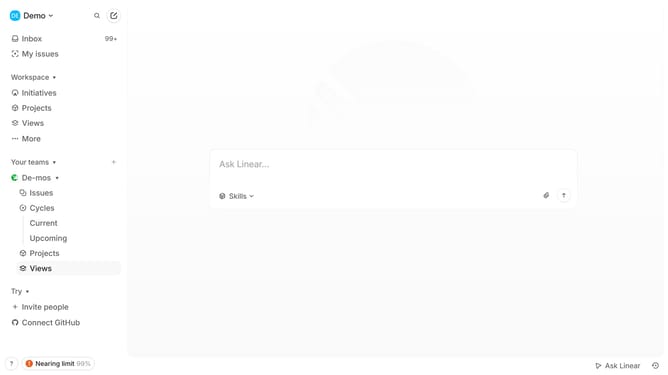
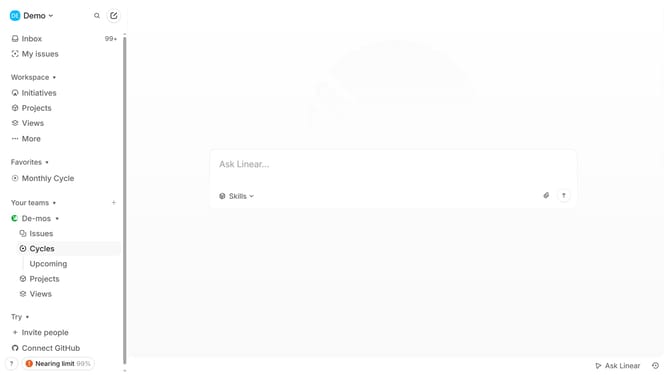
- First click on the "Demo" dropdown in the header
- Then click on "Settings" in the sidebar
- Then click on "Integrations" in the sidebar
- Then click on the "Search integrations" input field and enter Zapier
- Then click on the "Zapier" option
- Then click on the "Enable" link for Zapier
- Then click on the "Continue with Google" button
- Then click on the Google account to continue
- Finally click on the "Continue" button
Why should you connect Zapier to Linear
Linear is a streamlined tool designed for managing software project tasks efficiently.
Connecting Zapier to Linear enhances your workflow by allowing seamless integration of various apps, automating repetitive tasks, and syncing data without manual intervention.
This connection empowers teams to maintain productivity by automating updates and alerts, making project management smoother and more responsive to dynamic work environments.
Last update