How to duplicate a view on Linear
Here is how to duplicate a view on linear
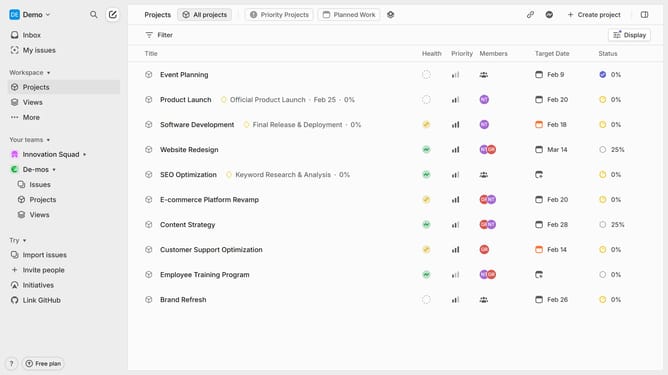
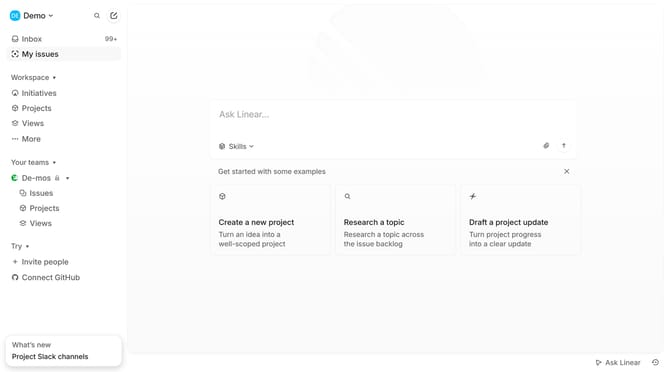
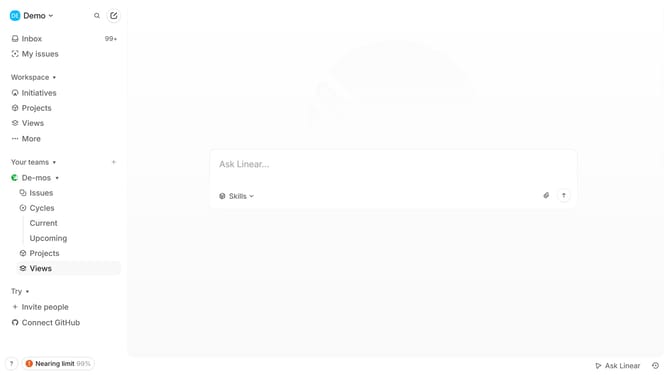
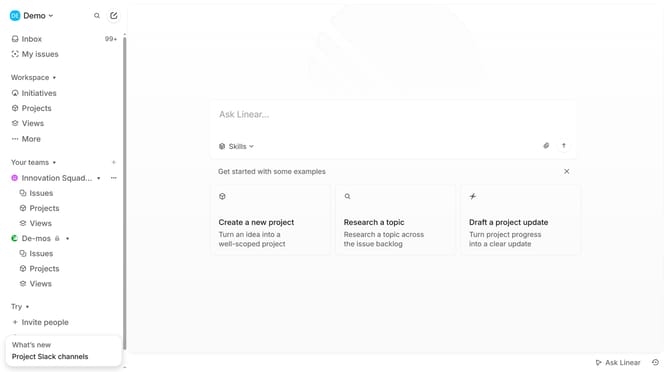
- First click on "Views" item in the sidebar
- Then click on the view that you want to duplicate
- Then click on the three-dots icon
- Then select "Duplicate" option
- Next, click on the title input text field in the header and add your new title
- Finally click on the "Save" button
Why should you duplicate a view on Linear
Linear is an intuitive tool that streamlines project management for teams, enhancing workflow efficiency effortlessly.
The feature to duplicate a view on Linear offers a seamless way to manage and replicate your task structures.
This capability allows users to quickly replicate complex views without the tedious task of rebuilding them from scratch, saving precious time and ensuring consistency in task management.
By utilizing this feature, teams can maintain uniformity across projects and adapt to changing priorities swiftly and efficiently.
Last update