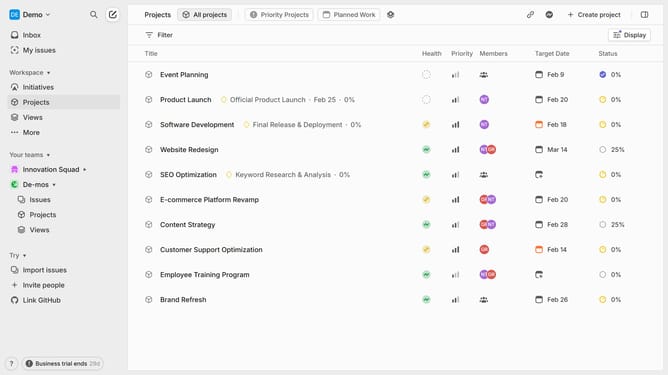
How to start a cycle now on Linear
Here is how to start a cycle now on linear
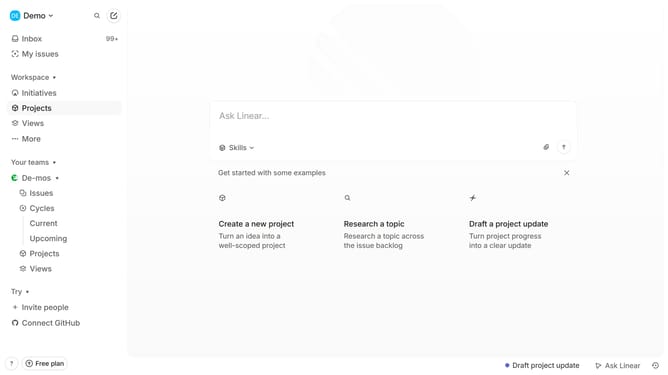
- First click on "Cycles" item in the sidebar
- Then click on the Cycle that you want to manage in the main content view
- Next click on the three dot icon in the header bar
- Then select "Start cycle today" from the dropdown menu
- Finally click on the "Confirm" button
Why should you start a cycle now on Linear
Linear is a powerful project management tool designed to streamline your workflow and boost productivity.
The "Start a Cycle Now" feature on Linear allows teams to initiate project cycles instantly, ensuring that work begins at the most opportune moment.
Using this feature can greatly enhance team coordination and time management by aligning tasks with team availability and project timelines.
By enabling more immediate project initiation, teams can maintain momentum and adapt quickly to changing priorities and deadlines, optimizing efficiency.
Last update