How to remove labels to an issue on Linear
Here is how to remove labels to an issue on linear
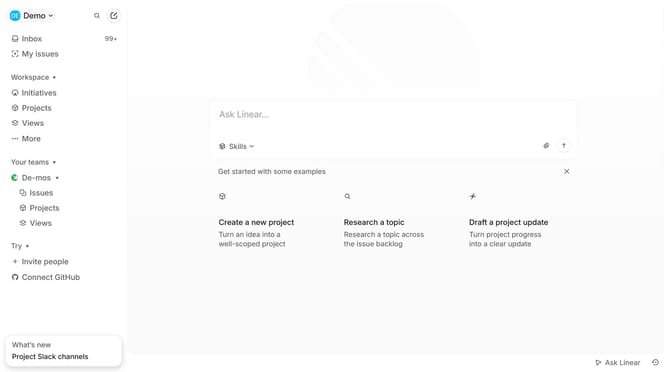
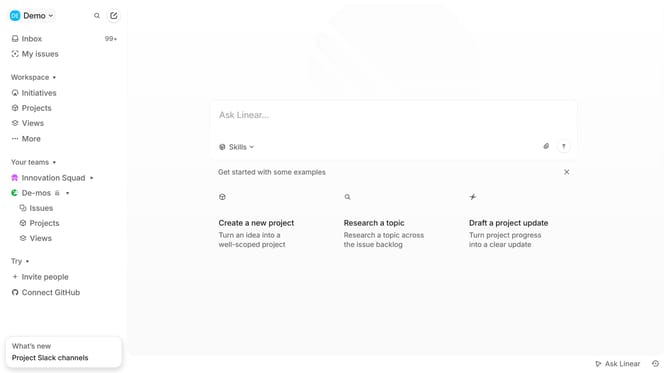
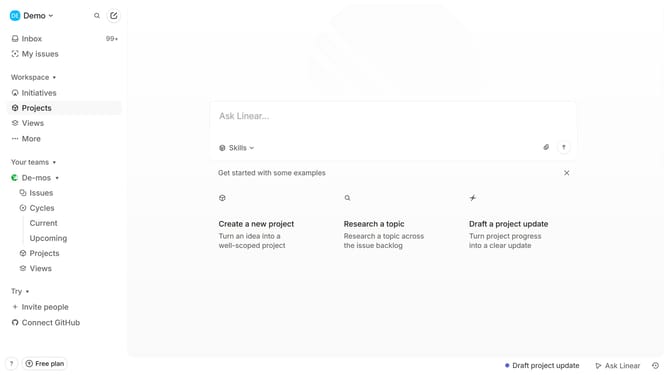
- First click on "My issues" in the left sidebar
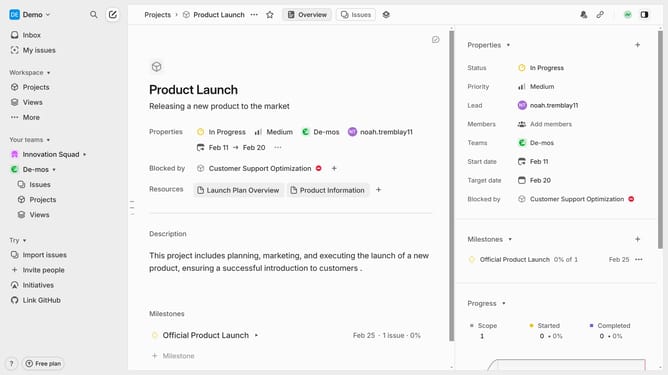
- Then click on the issue title that you want to manage
- Then click on "Labels" in the "Properties" section
- Finally click on the checkbox next to the label that you want to remove
Why should you remove labels to an issue on Linear
Linear is a powerful tool designed to streamline team project management and issue tracking efficiently.
Removing labels from an issue in Linear allows teams to keep their workspace organized and focused. It ensures that only relevant tags are attached to an issue, thereby improving clarity and focus on key priorities.
By refreshing your task labels, you drive better communication and understanding within the team.
Efficient label management ensures the system remains clean, increases productivity, and reduces cognitive overload for all users.
Last update