How to add link to text in tables within project documents in Linear
Here is how to add link to text in tables within project documents in linear
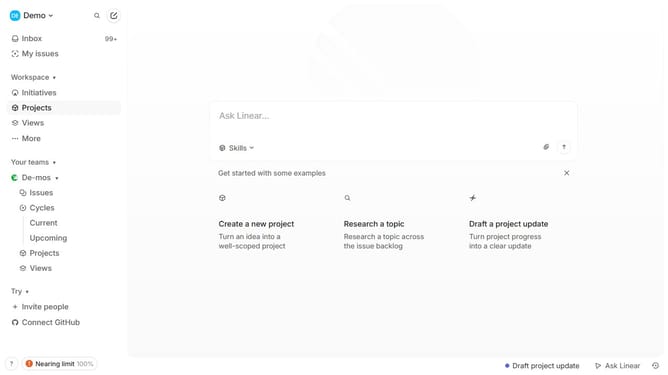
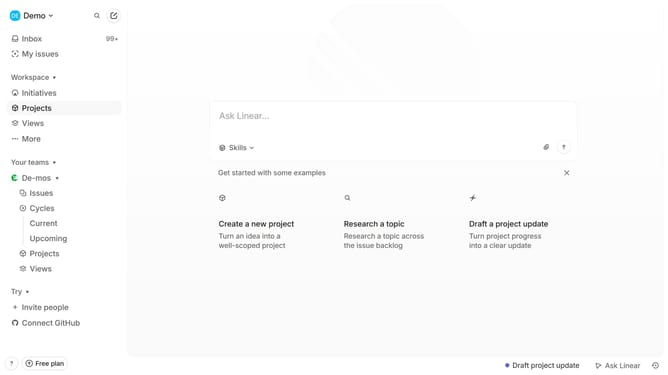
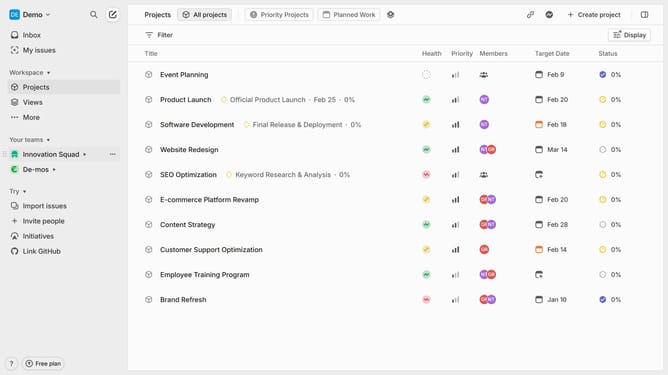
- First click on "Projects" in the left sidebar
- Then click on the project name to open it
- Next click on the document link in the "Resources" section
- Then click and highlight the word that you want to manage to show options
- After that, click on the "Link" icon in the toolbar
- Finally, click on the "Enter link URL" input field and enter your URL
Why should you add link to text in tables within project documents in Linear
Linear is a sophisticated project management tool designed to optimize workflow efficiency and collaboration.
One of Linear's standout features is the ability to seamlessly add links to text within tables in project documents, streamlining access to supplementary resources and critical information.
Leveraging this feature enhances connectivity within your team, enabling quick reference checks without disrupting the workflow.
Incorporating these links enhances document organization, ensuring all necessary resources are centralized and readily accessible, fostering a more productive project management experience.
Last update