How to activate members from a workspace on Linear
Here is how to activate members from a workspace on linear
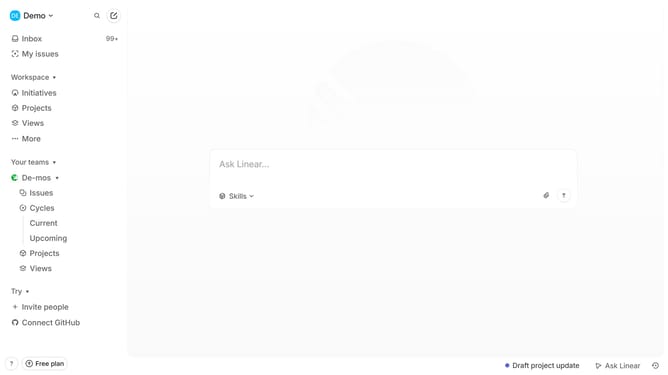
- First click on "Demo" in the header
- Then click on "Invite and manage members" in the dropdown menu
- Then click on the three dots button next to the user that you want to activate
- Then click on "Activate user..." option
- Finally click on the "Confirm" button
Why should you activate members from a workspace on Linear
Linear is a sophisticated tool designed to streamline team collaboration and project management.
Activating members from a workspace on Linear is an intuitive feature that enhances team cohesion. By allowing seamless integration of new and existing members, it fosters a more inclusive and dynamic work environment.
This feature ensures that all team members have instant access to necessary resources, thereby boosting productivity and ensuring alignment towards shared goals.
Last update