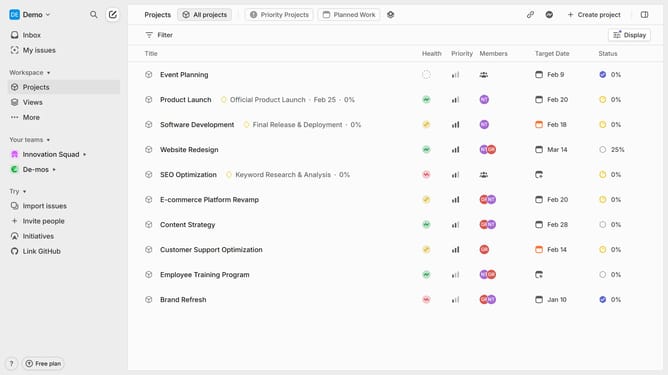
How to change your full name in Linear
Here is how to change your full name in linear
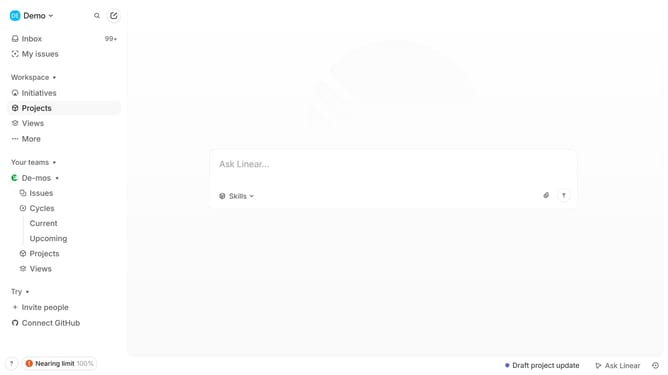
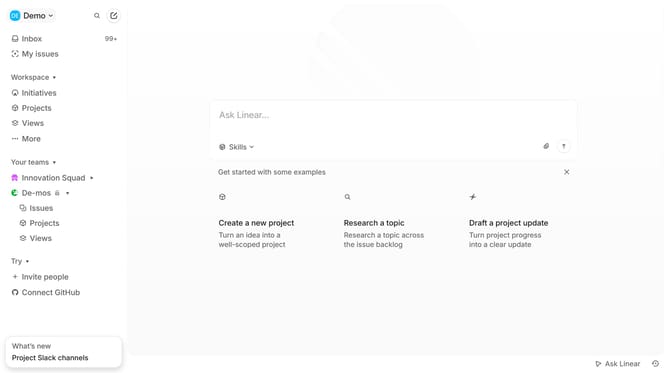
- First click on the "Demo" dropdown in the header
- Then click on "Settings" in the left sidebar
- Next, click on "Profile" in the left sidebar
- Then click on the "Full name" input field. and update it
- Finally, click anywhere to on the screen to save changes
Why should you change your full name in Linear
Linear is a sleek tool designed to streamline team workflows, enhancing productivity and collaboration.
Changing your full name in Linear is a straightforward process, offering flexibility as you adapt to role changes or personal branding decisions.
This feature ensures that your professional identity within the team aligns with your current name choice, which can be particularly beneficial for maintaining consistency in communication and recognition.
Keeping your information up to date contributes to a seamless team experience, reinforcing collaboration and clarity.
Last update