How to underline updates on projects on Linear
Here is how to underline updates on projects on linear
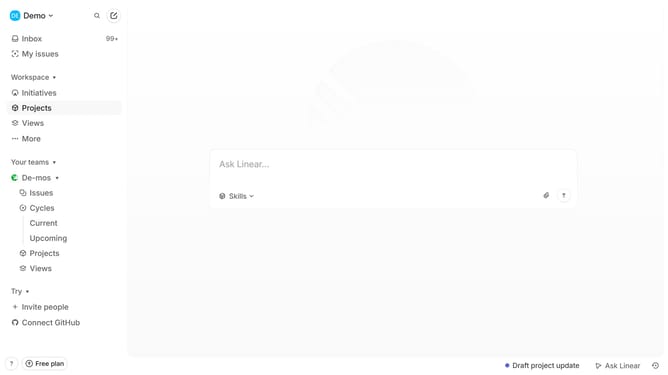
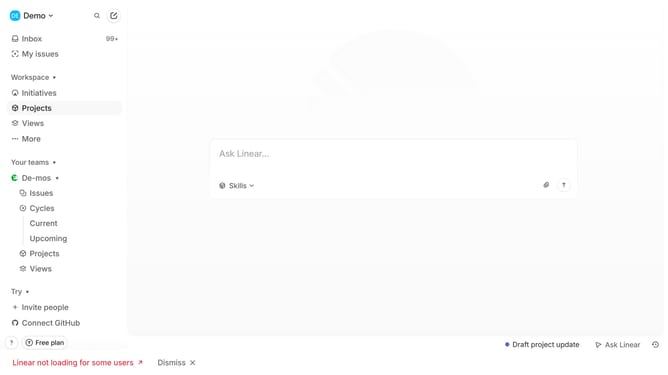
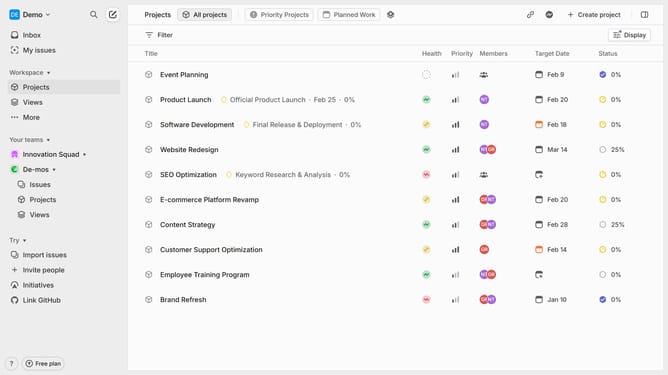
- First click on "Projects" item in the left sidebar
- Then click on the "Software Development" project in the main panel
- Next click on the three dots icon to open the options menu
- Then select the "Edit" option from the dropdown menu
- Click on the text that you want to manage to select it
- Then click on the underline text formatting button in the toolbar
- Finally click on the "Save" button to update the project
Why should you underline updates on projects on Linear
Linear is a streamlined software dedicated to enhancing project management efficiency for modern teams.
In Linear, underlining updates on projects provides clarity and emphasis, ensuring critical changes don't go unnoticed. This feature aids in keeping team members aligned, fostering clear communication without the clutter.
By underlining significant updates, you enhance visibility, which is crucial for timely decision-making and maintaining a seamless workflow.
This approach not only highlights key points but also aids in prioritizing tasks, leading to improved productivity and better project outcomes.
Last update