How to enable email notifications for comments and replies in Linear
Here is how to enable email notifications for comments and replies in linear
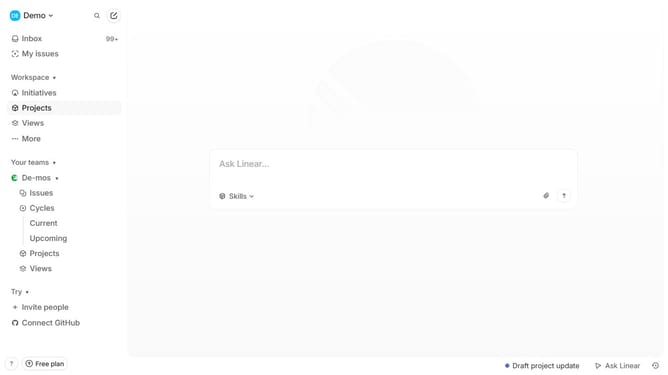
- First click on the "Demo" button in the header
- Then click on the "Settings" option in the opened dropdown menu
- Next click on the "Notifications" option in the sidebar
- Then click on "Email" in the notification channels list
- Finally click on the toggle switch for "Comments and replies" to enable it
Why should you enable email notifications for comments and replies in Linear
Linear is an innovative tool designed to streamline your workflow and enhance team collaboration.
Enabling email notifications for comments and replies in Linear keeps you informed and engaged with ongoing projects.
This feature ensures timely updates, allowing you to stay on top of every conversation without having to frequently check the platform.
By activating these notifications, you can react promptly to team feedback, fostering great productivity and efficiency within your project management process.
Last update