How to remove attachments from an issue on Linear
Here is how to remove attachments from an issue on linear
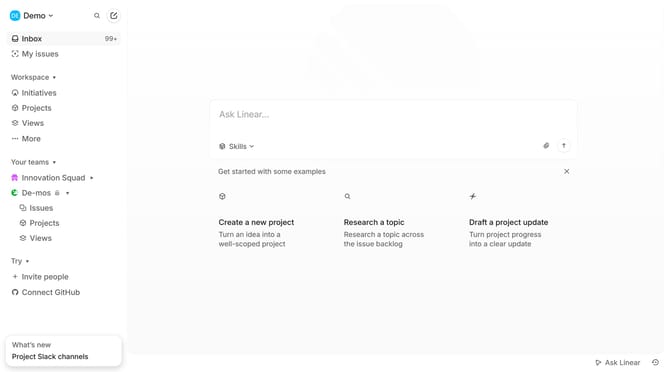
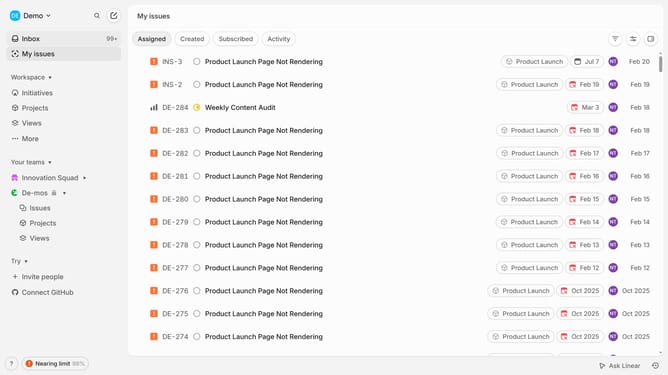
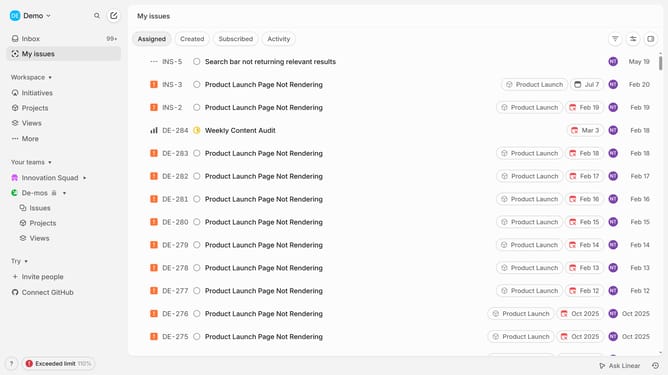
- First click on "My issues" in the left sidebar
- Then click on the issue that you want to manage
- Next, right-click on the attachment that you want to get removed
- Finally click on the "Delete" button in the dropdown menu.
Why should you remove attachments from an issue on Linear
Linear is a sleek, fast tool designed to streamline your team's project management process.
The ability to remove attachments from an issue on Linear is a powerful feature, allowing you to maintain clarity and precision in your project tracking.
Utilizing this feature ensures that outdated or irrelevant files don't clutter your workspace, helping you stay focused on the core issues.
This not only speeds up your workflow but also enhances communication among team members, fostering a more efficient and organized project environment.
Last update