How to disable email notifications for assignments in Linear
Here is how to disable email notifications for assignments in linear
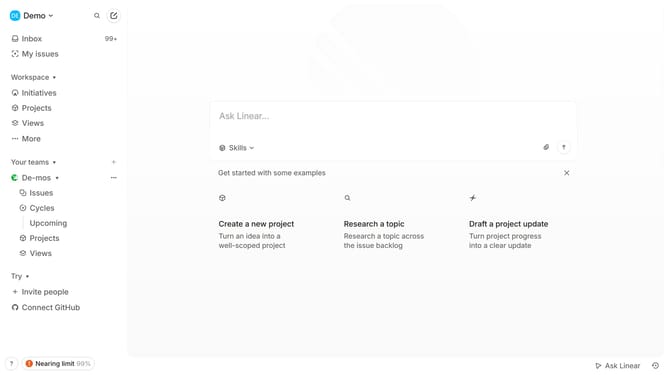
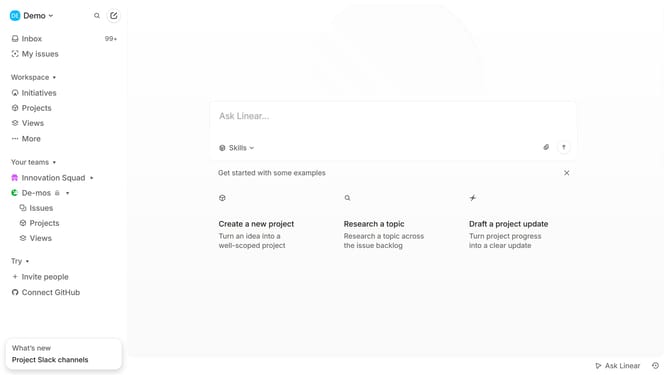
- First click on the "Demo" button in the header
- Then click on the "Settings" option in the sidebar
- Next click on the "Notifications" option in the sidebar
- Then click on the "Email" section
- Finally toggle the "Assignments" notification setting to off
Why should you disable email notifications for assignments in Linear
Linear is a streamlined project management tool designed for efficiency and clarity.
By opting to disable email notifications for assignments in Linear, users can enjoy a more distraction-free workflow. This feature is particularly beneficial for those looking to maintain focus without the constant interruptions that email alerts can cause.
The ability to tailor your notification preferences means you can stay updated on tasks through other channels or at your leisure, enhancing productivity and minimizing stress.
Ultimately, refining how you receive information empowers you to manage projects on your terms.
Last update