How to create sub-issues on Linear
Here is how to create sub-issues on linear
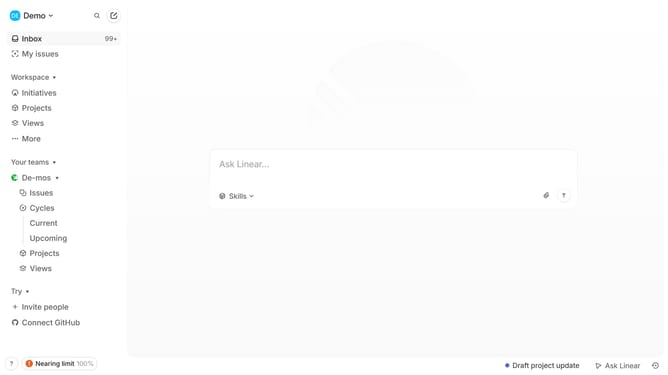
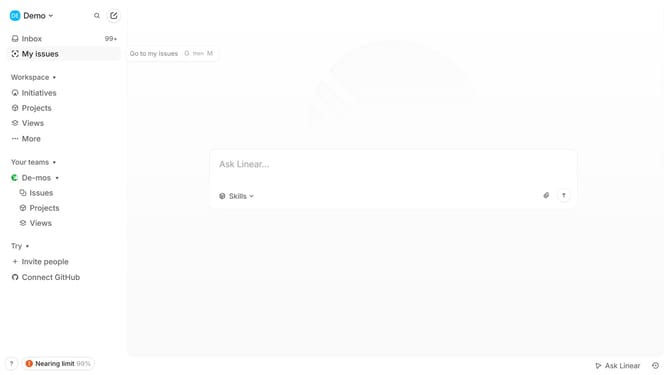
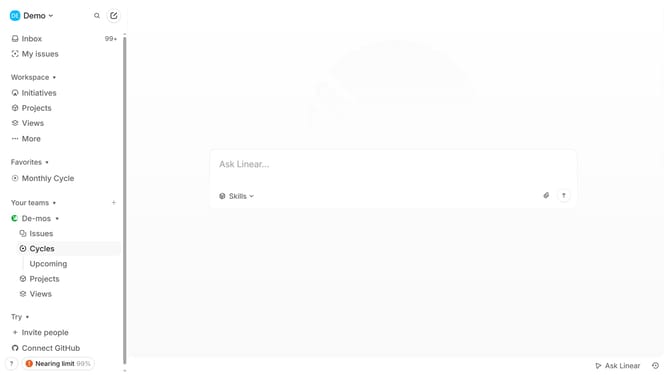
- First click on "My issues" in the sidebar
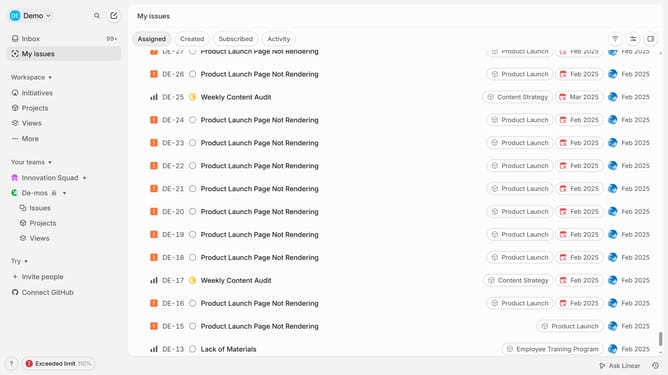
- Then click on the issue that you want to manage
- Next, click on the "+ Add sub-issues" button
- Then, click on the "Issue title" input field and enter your title
- After that, enter the sub-issue description
- Finally, click on the "Create" button
Why should you create sub-issues on Linear
Linear is a sleek project management tool designed to streamline team workflows with efficiency and ease.
Creating sub-issues on Linear allows for greater task granularity, enabling teams to break down complex projects into manageable components. This feature stands out for promoting clarity and focus.
Using sub-issues enhances team collaboration, ensuring everyone is on the same page regarding project subdivisions. It allows teams to track progress on specific parts of a project, making it easier to identify roadblocks and implement timely solutions.
Ultimately, sub-issues on Linear contribute to a more organized and productive workflow, ensuring a smoother path to project completion.
Last update