How to add an estimate on a sub issue on Linear
Here is how to add an estimate on a sub issue on linear
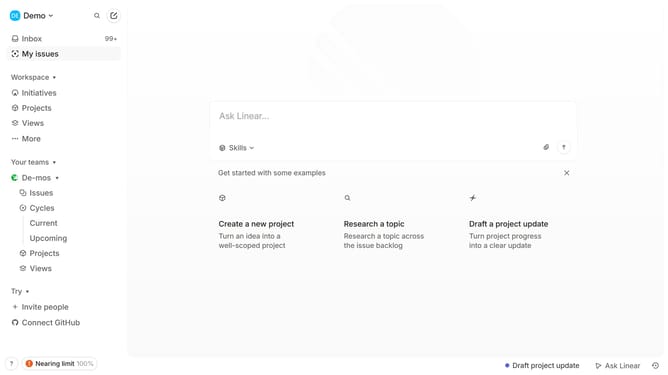
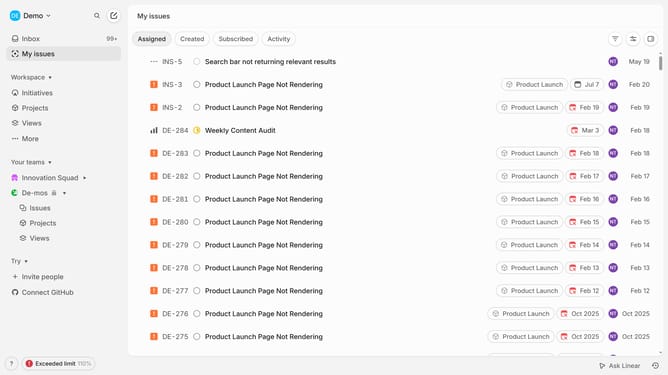
- First click on "My issues" in the left sidebar.
- Then click on the issue that you want to manage
- Then right-click on the sub-issue
- Then click on "Estimate" in the menu.
- Finally select from the estimate options
Why should you add an estimate on a sub issue on Linear
Linear is a streamlined tool designed to enhance productivity by simplifying the way teams manage software development projects.
One of its standout features is the ability to add estimates to sub-issues, which provides a clear view of time allocation and resource planning. By breaking down tasks and assigning expected timeframes, teams are empowered to prioritize effectively and set realistic deadlines.
This feature not only fosters better time management but also contributes to enhanced team communication and project transparency, ultimately driving project success in a strategic manner.
Last update