How to disable email notifications for billing in Linear
Here is how to disable email notifications for billing in linear
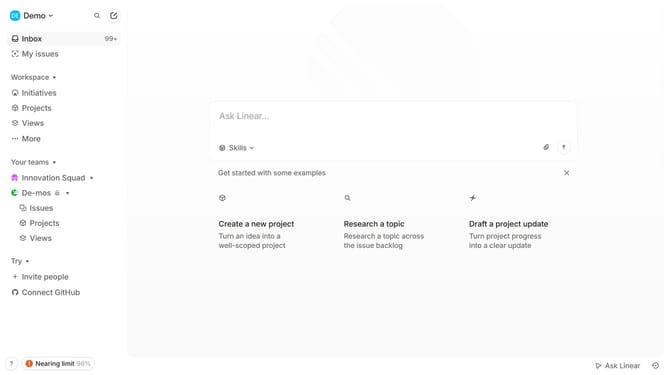
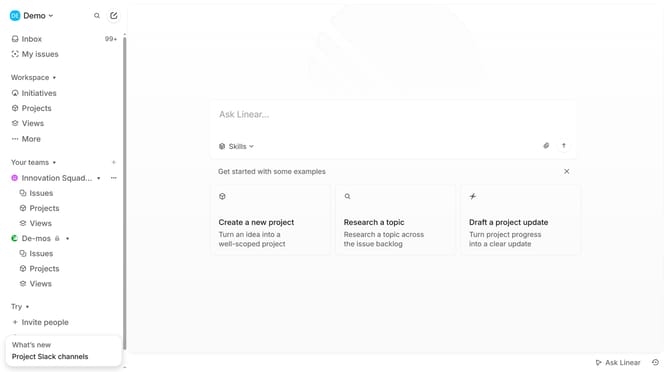
- First click on the "Demo" dropdown in the header to reveal the menu options
- Then click on the "Settings" option from the dropdown menu
- Next, click on the "Notifications" tab in the left sidebar
- After that, click on the "Email" option within the Notification channels section
- Finally, click on the toggle switch next to the "Billing" option to disable it
Why should you disable email notifications for billing in Linear
Linear is a streamlined issue tracking tool designed for modern project management.
The option to disable email notifications for billing in Linear allows users to tailor their communication preferences.
This feature is perfect for users who prefer to minimize email clutter while still staying informed through other channels within the platform.
By opting out of billing notifications, user focus is enhanced and inbox management becomes more efficient, allowing for a cleaner, distraction-free workspace.
Last update