How to cancel reminders on documents in a project on Linear
Here is how to cancel reminders on documents in a project on linear
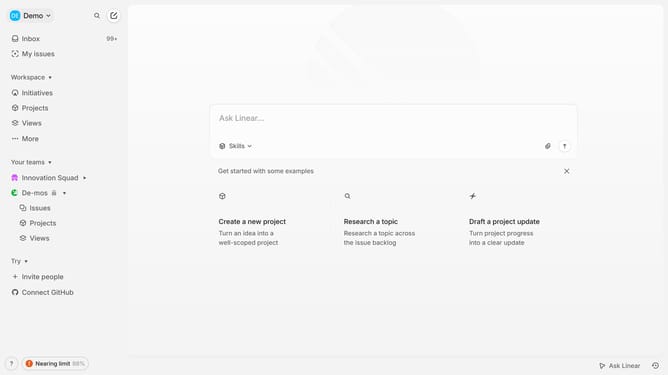
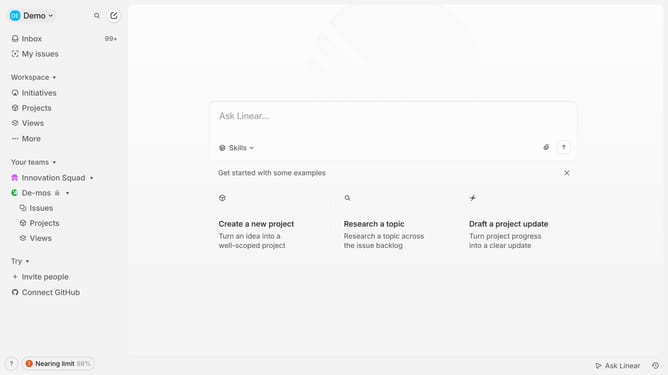
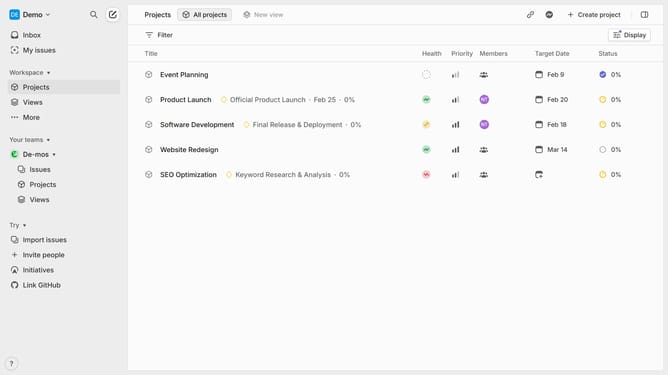
- First click on "Projects" link in the left sidebar
- Then click on a project from the list of projects
- Click on the document that you want to manage
- Click on the reminder button to manage the reminder
- Finally click on the "Cancel reminder" option
Why should you cancel reminders on documents in a project on Linear
Linear is an intuitive project management tool designed to streamline team workflows and enhance productivity.
Among its useful features, Linear allows users to cancel reminders on documents, providing greater control over project timelines.
This feature ensures that unnecessary notifications don't clutter your communication channels, keeping your focus on the most pertinent tasks.
By efficiently managing reminders, you can maintain a streamlined workflow, ensuring that team collaboration remains smooth and efficient.
Last update