How to create documents in a project on Linear
Here is how to create documents in a project on linear
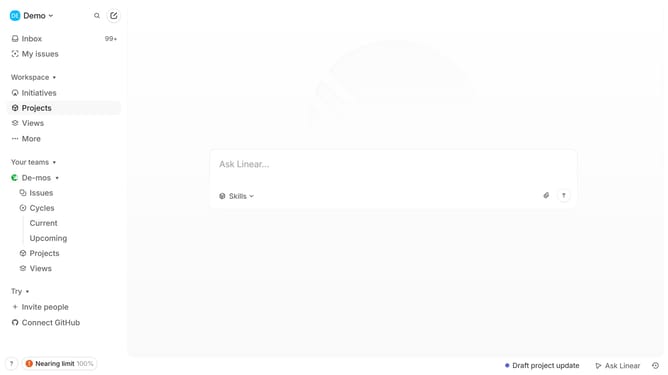
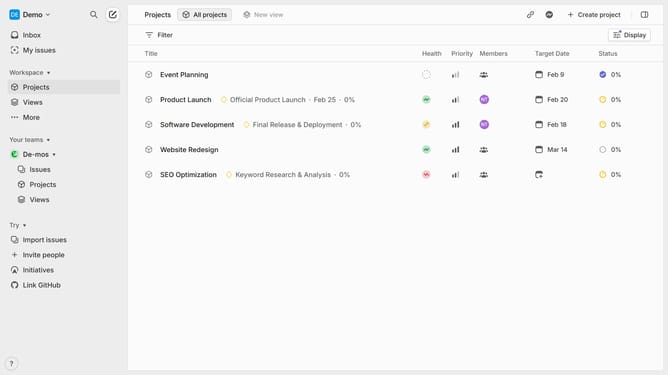
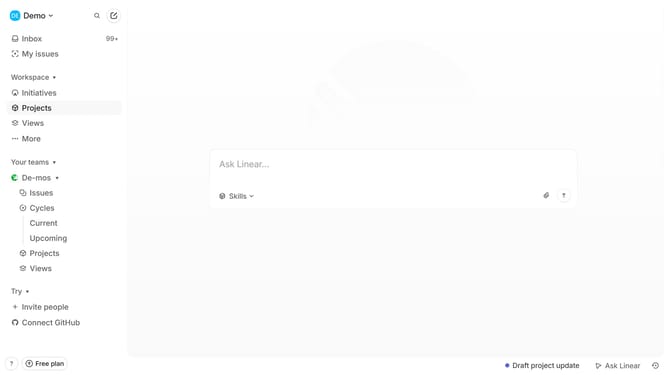
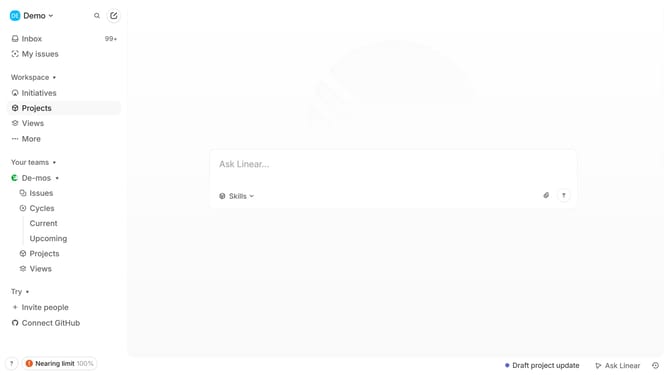
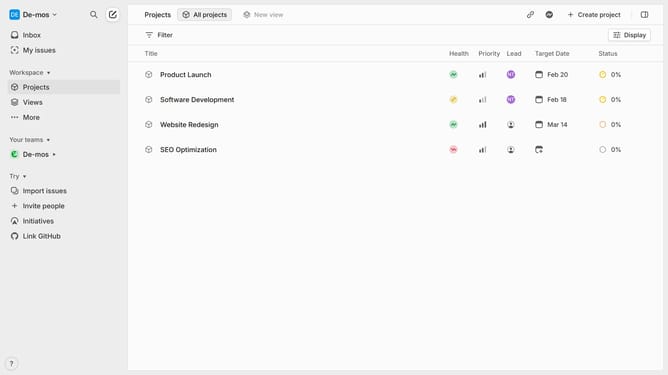
- First, navigate to your workspace and click "Projects" in the left sidebar
- Then select the project where you want to create a document
- In the project overview page, click "Document or Link" next to Resources and select "Create Document" from the menu
- Enter the title for the document
- Then add the necessary content or structure to suit the document’s purpose
- The document will be saved automatically as you make changes
- You have successfully created a document, and it will now be listed under the Resources section of the project
Why should you create documents in a project on Linear
Linear is a streamlined project management tool designed to optimize workflow and increase team productivity.
Creating documents within a project on Linear enhances collaboration by providing a centralized location for all important information. This feature ensures that team members have access to the latest data, reducing information silos and communication gaps.
With documents easily accessible, the project process becomes more efficient, allowing teams to deliver high-quality results faster. Utilizing this feature supports transparency and boosts overall project success.
Last update