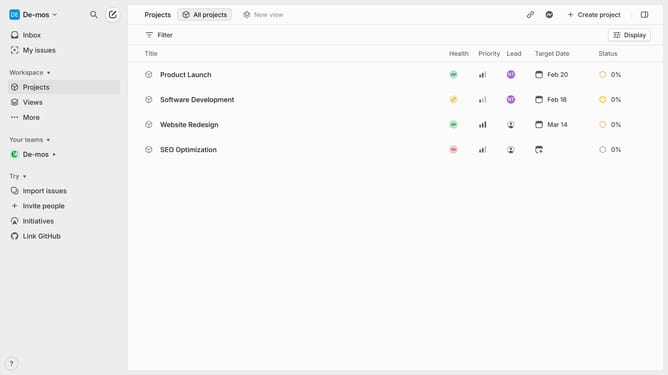
How to mark a Linear app cycle as favorite in Linear
Here is how to mark a linear app cycle as favorite in linear
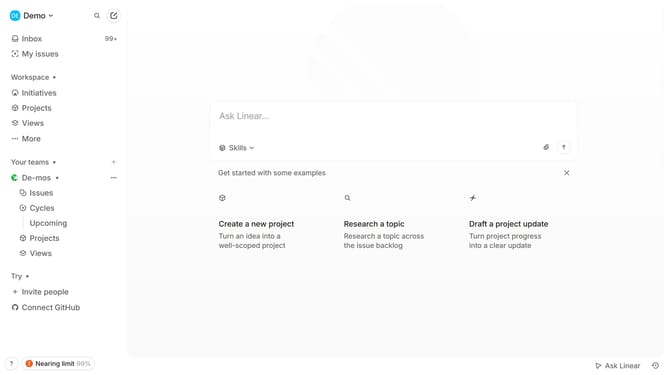
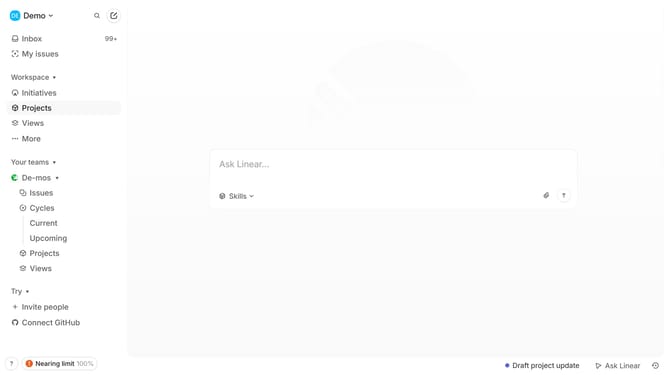
- First click on "Cycles" item in the left sidebar
- Then click on the Cycle that you want to manage in the main content view
- Finally click on the star icon in the header
Why should you mark a Linear app cycle as favorite in Linear
Linear streamlines team productivity by shaping project management with precision and ease.
Marking a cycle as favorite in Linear is a simple yet powerful feature designed to enhance your workflow. It allows users to keep their most relevant cycles readily accessible, ensuring quick navigation and focus on what matters most.
By utilizing the favorite feature, team members can prioritize ongoing work, reducing the time spent on searching and allowing for greater concentration on completing tasks efficiently. This leads to improved productivity and seamless project progression.
Last update