How to delete a team on Linear
Here is how to delete a team on linear
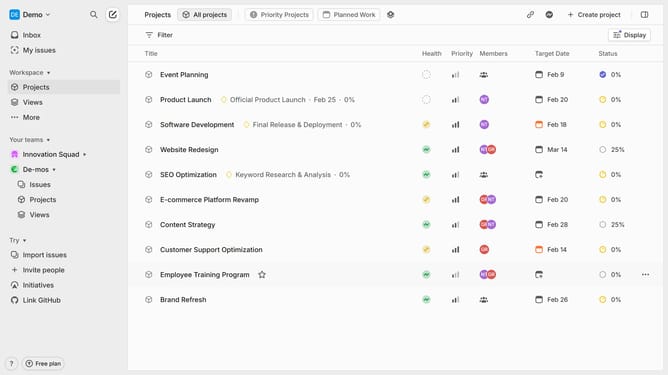
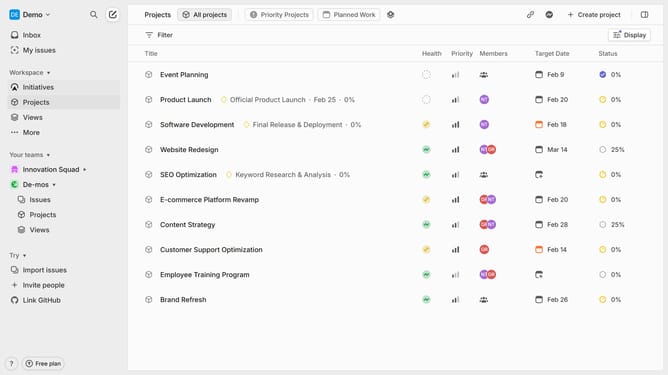
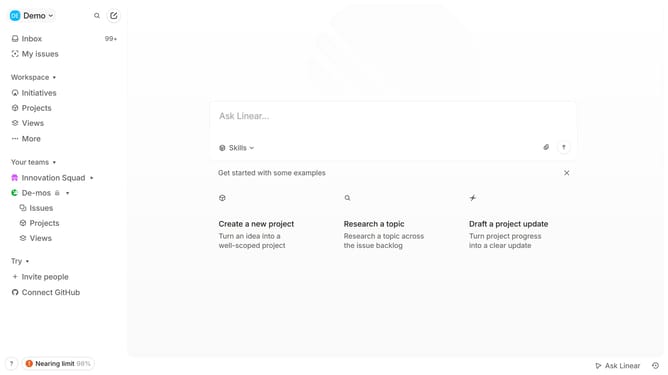
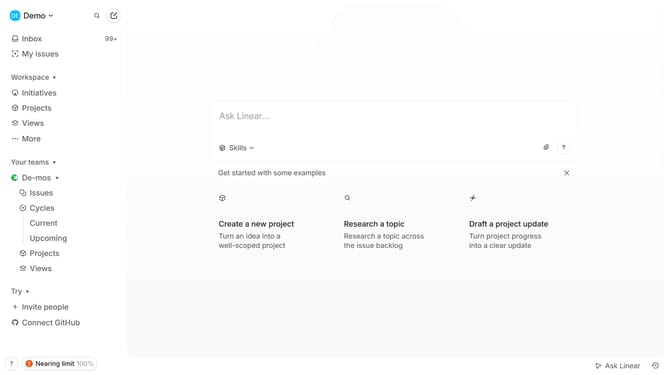
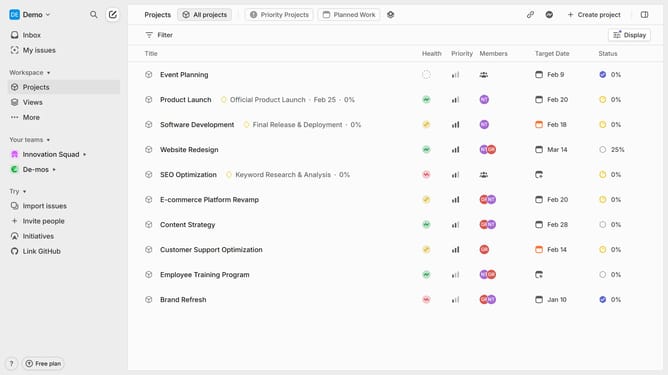
- First, go to your workspace and find the teams that you want to delete in the left sidebar
- Then click on the three dots and click on "Team settings" from the dropdown menu
- In the team settings page, scroll down to the "Danger zone" section
- Next click on "Delete team"
- In the pop up, enter the name of the team for confirmation
- Finally, click "Delete team," and the team will be removed from your workspace. It can be restored within 30 days
Why should you delete a team on Linear
Linear is a streamlined project management tool designed to enhance team productivity.
The ability to delete a team on Linear is a thoughtful feature that helps maintain organization within your workspace.
Utilizing this feature prevents clutter by allowing you to remove outdated or unnecessary teams, ensuring only active teams remain visible.
This leads to a more efficient working environment, as users can focus on relevant tasks and prioritize current projects with ease.
Last update