How to create and view initiatives on Linear
Here is how to create and view initiatives on linear
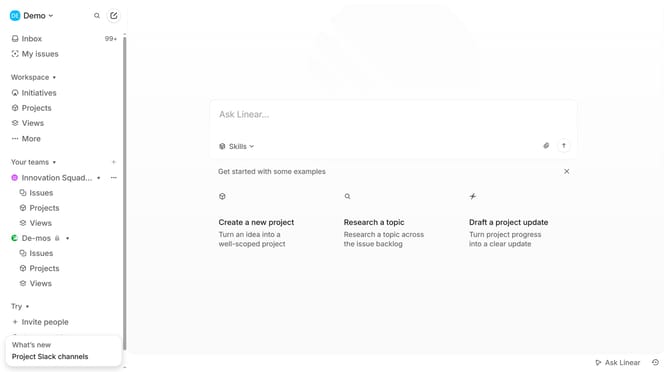
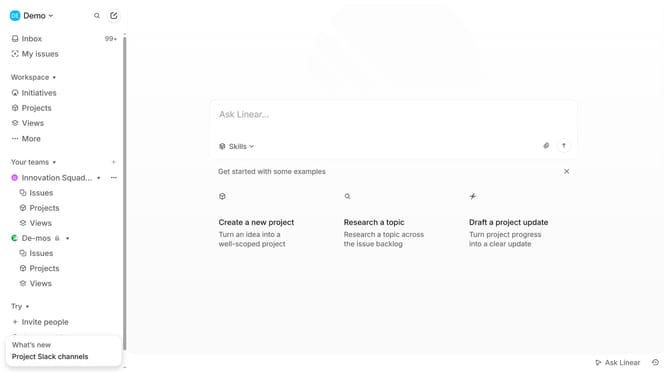
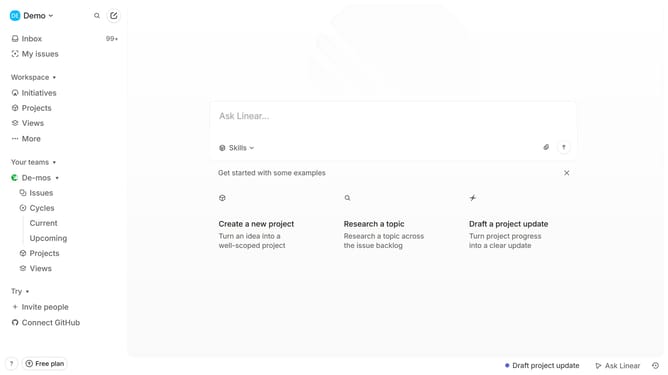
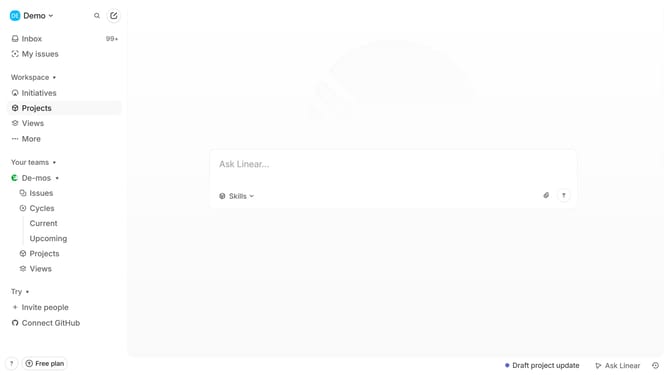
- First in your workspace, click initiatives in the left sidebar
- Then click on the "Create new initiative" button
- Next enter the initiative name, description, and related projects
- You can configure additional details, such as the target date and owner
- Finally once done, click "Create" to save the initiative
- Your initiative has been successfully created
Why should you create and view initiatives on Linear
Linear is a streamlined tool designed to enhance team productivity by efficiently managing projects and tracking collaboration.
Creating and viewing initiatives on Linear offers teams a clear strategic overview, allowing them to align on goals seamlessly. This feature empowers teams to break larger projects into manageable tasks, ensuring everyone remains focused and on the same page.
Using initiatives on Linear fosters better prioritization and transparency, which are essential for improving workflow and meeting project deadlines. Overall, it cultivates a more organized and motivated work environment.
Last update