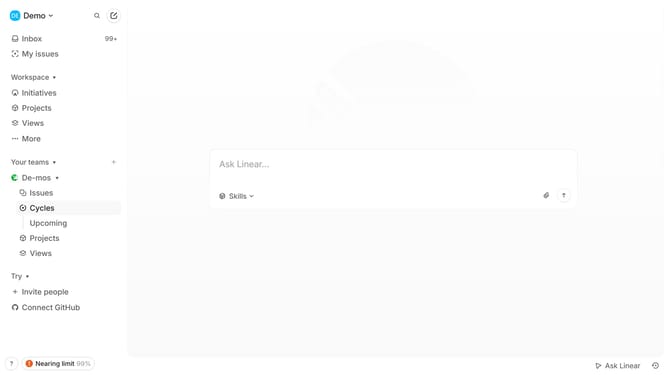
How to edit team label name in Linear
Here is how to edit team label name in linear
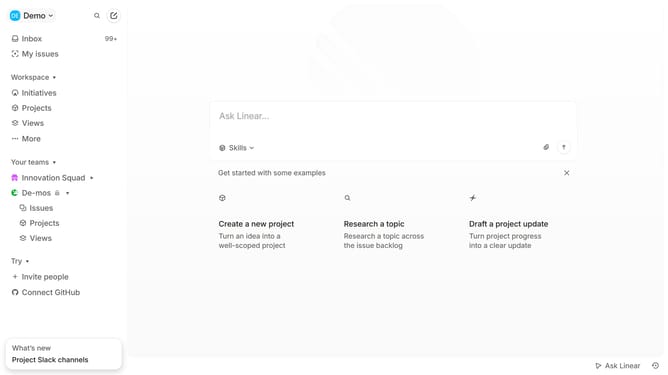
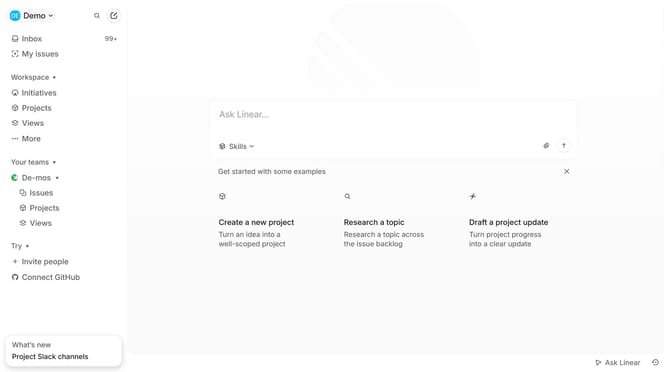
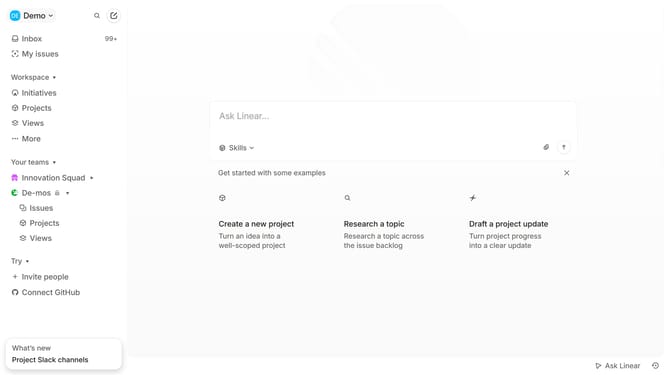
- First click on the three dots icon next to the team name in the sidebar
- Then click on "Team settings" in the dropdown menu
- Next click on "Issue labels" in the main content area
- Then click on the three dots icon next to a label
- After that, click on "Edit label name" in the dropdown menu
- Then click on the label text input field and edit it
- Finally click on the empty area on the screen to confirm the changes
Why should you edit team label name in Linear
Linear is a cutting-edge project management tool designed to streamline team workflows and enhance productivity.
One valuable feature of Linear is the ability to edit team label names, which facilitates better organization and clarity for your projects. This feature empowers team members by ensuring labels accurately reflect the evolving scope and focus of tasks.
Editing team label names helps maintain consistency across various projects, preventing misunderstandings and keeping everyone on the same page.
By providing the flexibility to tailor label names, Linear supports dynamic team environments, fostering improved communication and collaboration. This adaptability is key to a responsive and efficient project management process.
Last update