How to enable email notifications for subscriptions in Linear
Here is how to enable email notifications for subscriptions in linear
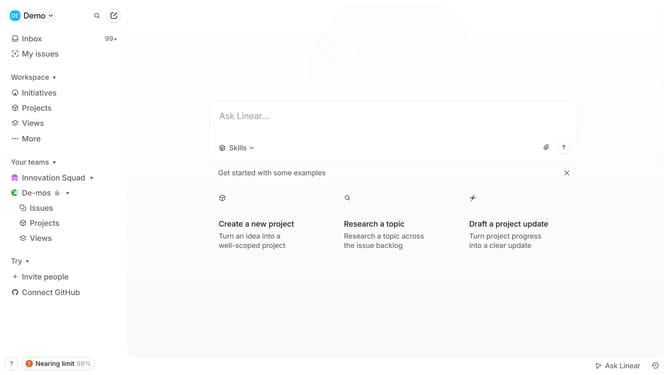
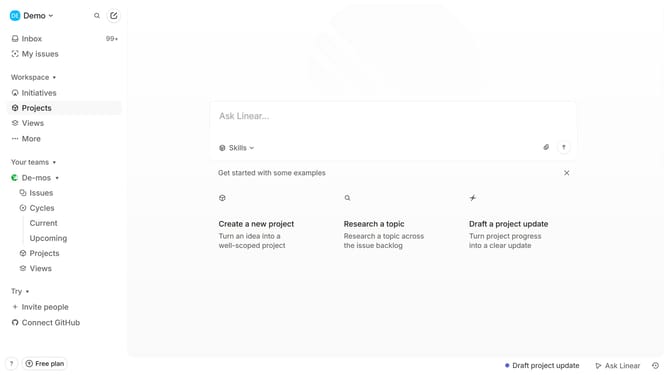
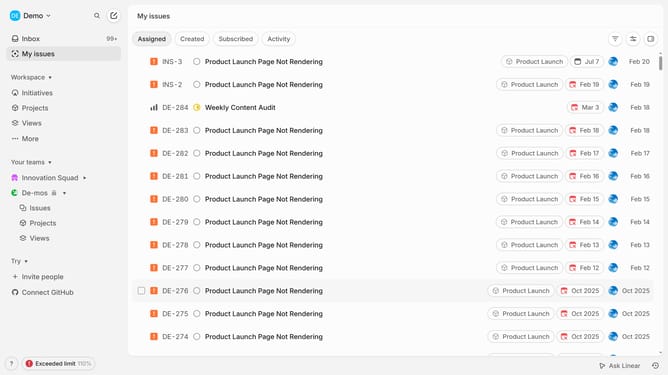
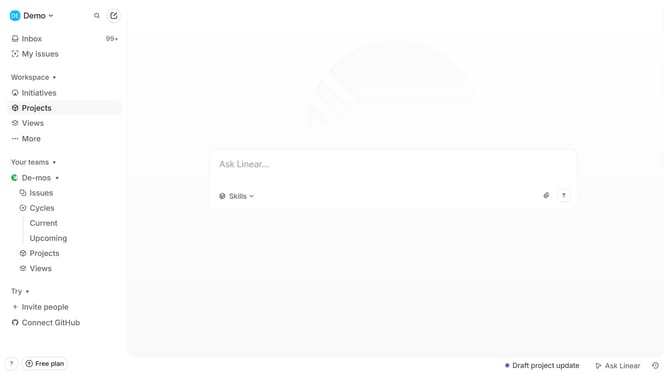
- First click on the "Demo" dropdown in the header
- Then click on the "Inbox" tab in the sidebar
- Next, click on "Notifications" in the sidebar
- Then select "Email" from the notification channels list
- Finally, toggle the switch next to "Subscriptions" to enable it
Why should you enable email notifications for subscriptions in Linear
Linear is a streamlined tool designed to enhance productivity and team collaboration.
Enabling email notifications for subscriptions in Linear ensures you stay updated effortlessly. By activating this feature, you receive timely alerts right in your inbox, helping you track progress and changes without missing a beat.
This feature enhances communication and ensures that everyone is on the same page, leading to improved project outcomes and more efficient teamwork. Stay informed and boost your productivity with this smart notification system.
Last update