How to disable mobile app notifications on Linear
Here is how to disable mobile app notifications on linear
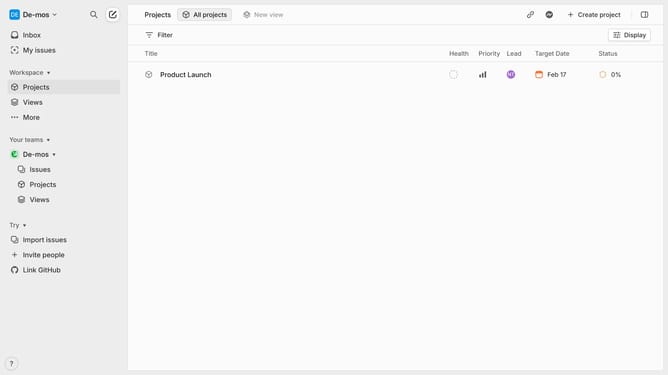
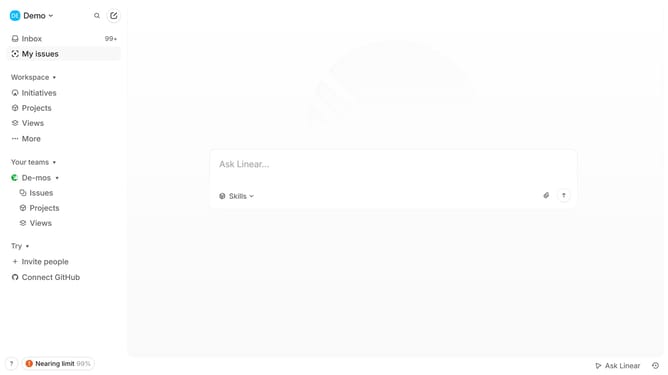
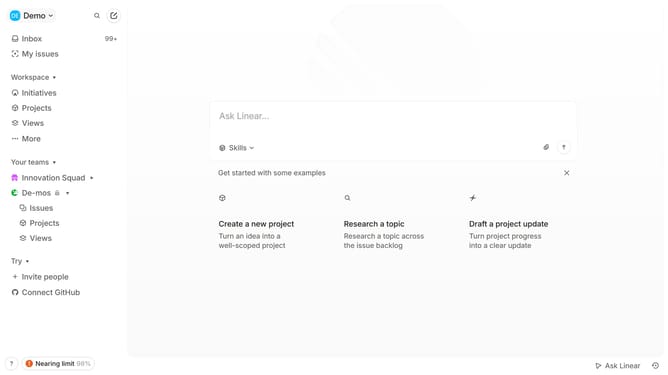
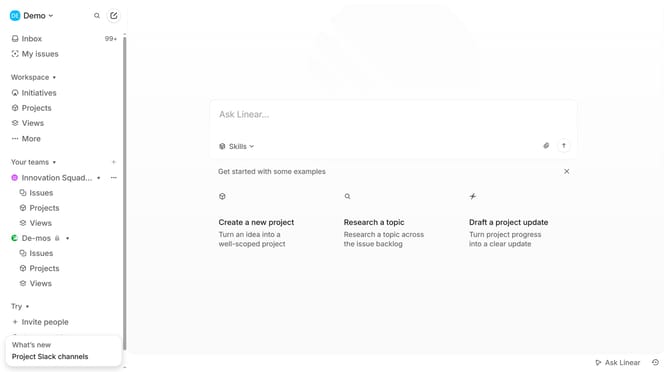
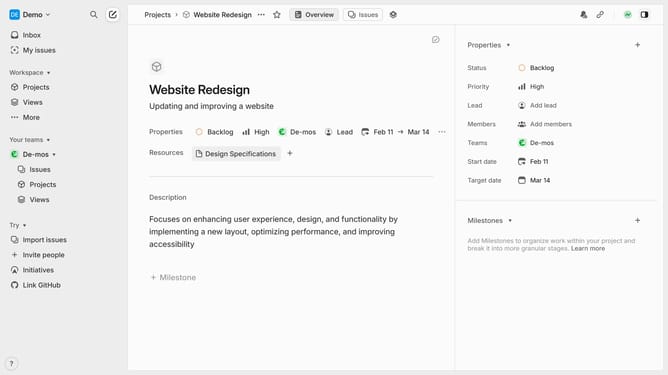
- First click on the "Demo" dropdown in the header
- Then click on the "Settings" option in the appeared menu
- Next, click on the "Notifications" option in the sidebar
- Then click on the "Mobile" option in the notification channels list
- Finally, click on the toggle switch to disable mobile notifications
Why should you disable mobile app notifications on Linear
Linear is a modern task management platform designed to streamline project tracking for teams.
One of the features Linear offers is the option to disable mobile app notifications, allowing users to manage information flow effectively.
Disabling notifications can lead to increased focus, as it minimizes interruptions during critical work periods.
With this feature, users can maintain a balanced workflow, ensuring that only the most important updates catch their attention.
Last update