How to check the health status on Linear
Here is how to check the health status on linear
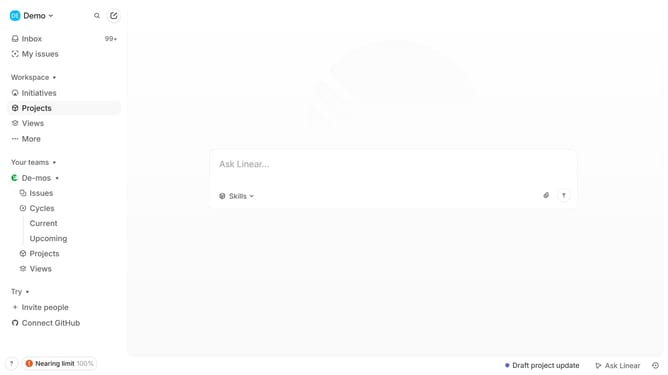
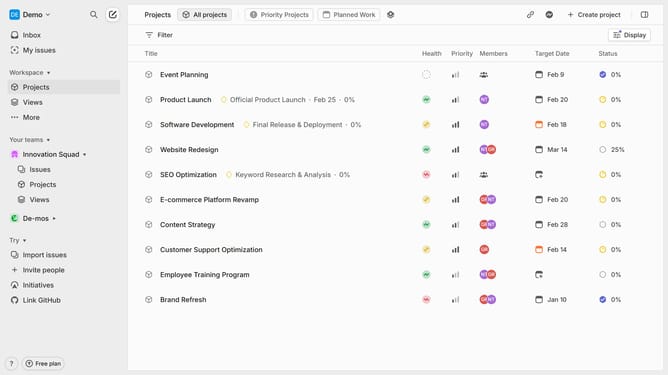
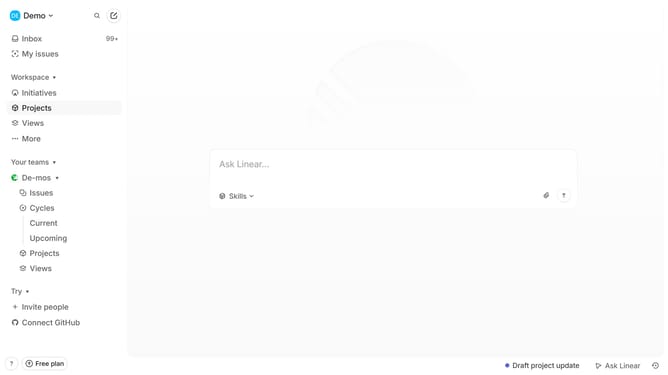
- First click on the "Projects" item in the left sidebar
- Next locate the project you want to check from the list
- Then you will see the current Health status next to it
- Alternatively, you can click the Health status icon to open the project update
- Then you can see the current Health status in the top left (On Track, At Risk, or Off Track)
Why should you check the health status on Linear
Linear is a streamlined tool designed to enhance project management through simplified workflows and superior tracking capabilities.
One of the standout features in Linear is its health status check, which provides invaluable insights into your project's progress and team performance.
By regularly monitoring the health status, teams gain clarity on task completions and potential bottlenecks, allowing for proactive adjustments to ensure timely delivery.
This feature fosters a culture of transparency and continuous improvement, empowering teams to stay aligned and efficient in achieving their objectives.
Last update