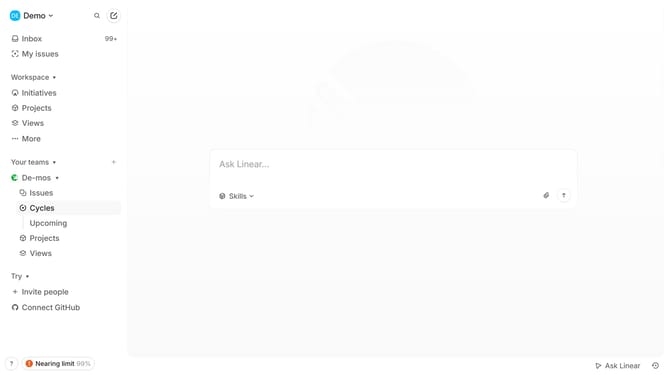
How to enable mobile app notifications during scheduled and in-office hours on Linear
Here is how to enable mobile app notifications during scheduled and in-office hours on linear
- First click on the "Demo" dropdown in the header
- Then click on "Settings" in the sidebar
- Next click on "Notifications" in the sidebar
- Then click on the "Mobile" notification channel in the main panel
- Finally click on the toggle to enable "Only deliver notifications during scheduled and in-office hours"
Why should you enable mobile app notifications during scheduled and in-office hours on Linear
Linear streamlines team workflow management by optimizing task tracking and collaboration.
Enabling mobile app notifications during scheduled and in-office hours amplifies productivity and keeps you seamlessly connected with project updates.
This feature ensures you receive pertinent information as it happens, without being overwhelmed, allowing for timely responses and well-informed decision-making.
By staying informed and organized, alignment across your team is enhanced, bolstering overall efficiency and success.
Last update