How to duplicate documents in a project on Linear
Here is how to duplicate documents in a project on linear
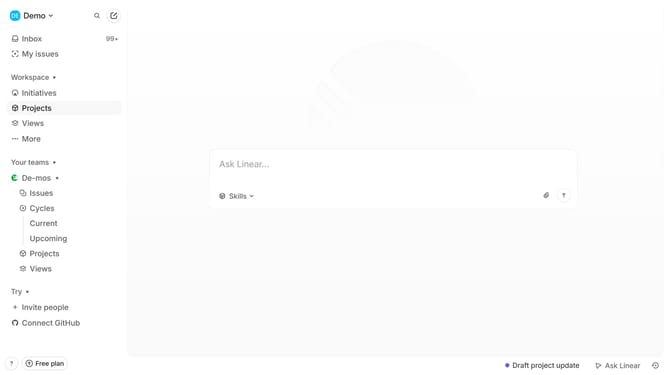
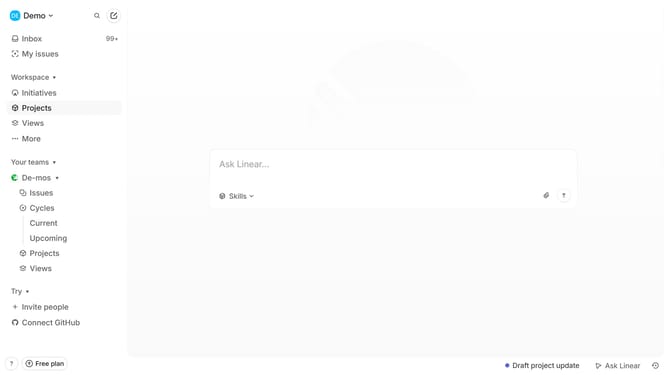
- First click on "Projects" item in the sidebar
- Then click on a project from the list of projects
- Next, click on the document from the resource link
- Then click on the three-dot button in the header
- Finally select "Duplicate" option from the dropdown menu
Why should you duplicate documents in a project on Linear
Linear is a streamlined task management tool designed to enhance team productivity and workflow efficiency.
One of its standout features is the ability to duplicate documents within a project seamlessly. This feature empowers users to replicate essential documents quickly, ensuring that critical information remains consistent across various tasks or projects.
Using document duplication helps maintain uniformity and saves time by eliminating the need to recreate repetitive documents from scratch. This functionality is particularly beneficial for teams working on multiple, similar projects where consistency and accuracy are key.
By streamlining the duplication process, Linear allows team members to focus more on the creative and strategic aspects of their projects, making collaboration smoother and more effective.