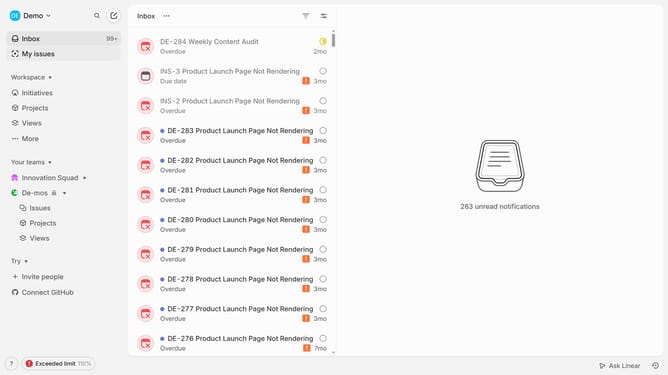
How to invite members to a workspace on Linear
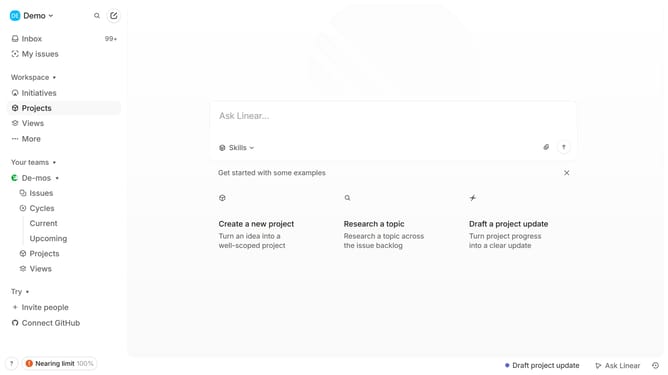
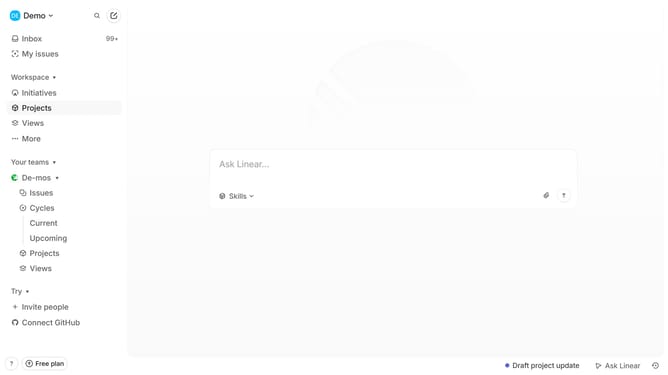
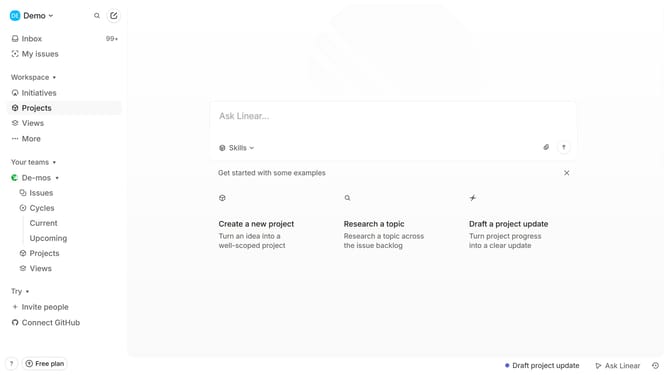
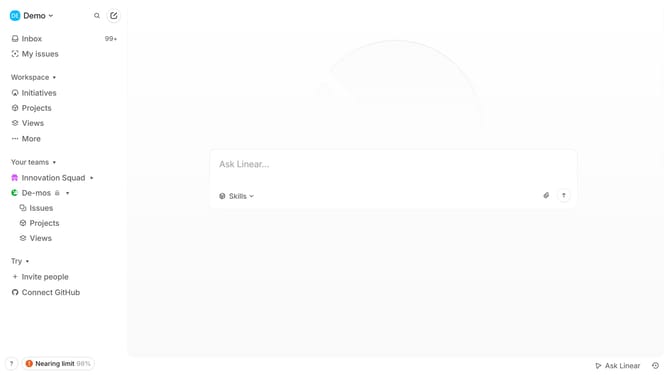
Here is how to invite members to a workspace on linear
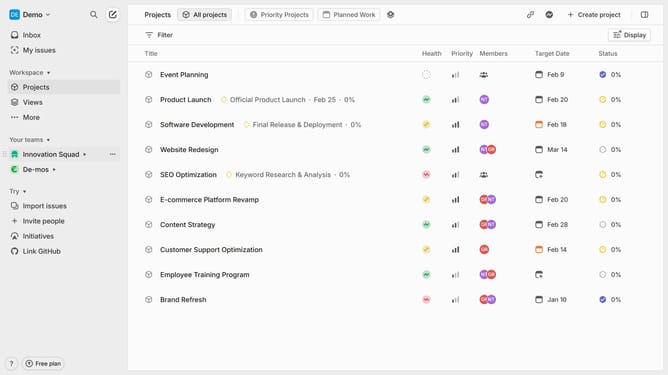
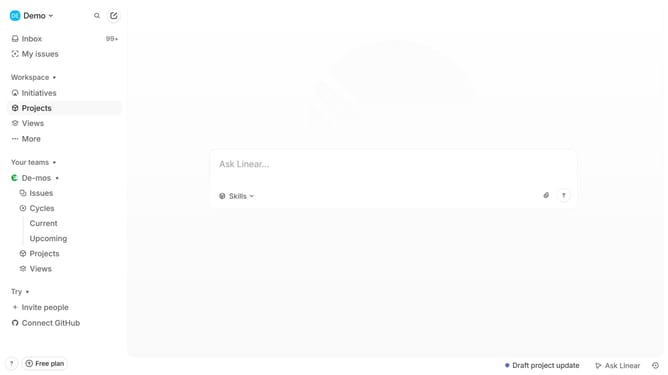
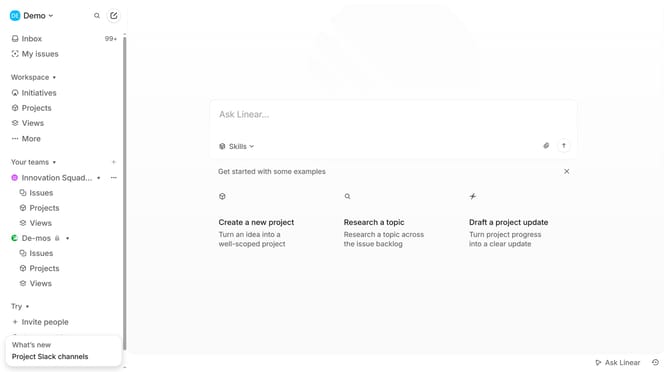
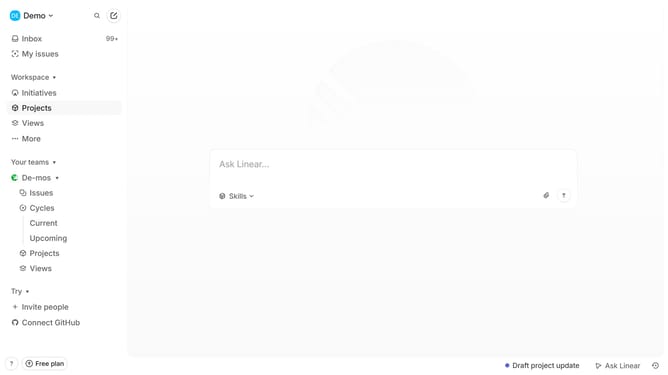
- First click on "Demo" in the header
- Then click on "Invite and manage members" in the dropdown menu
- Next click on the "Invite" button
- Then enter the email address that you want to invite into the "Email" field
- Finally click on the "Send invites" button
Why should you invite members to a workspace on Linear
Linear is a streamlined project management tool designed to enhance team productivity.
Inviting members to a workspace on Linear is an intuitive feature that fosters collaboration and brings team projects to life. This ease of adding team members ensures everyone is on the same page, promoting efficient workflow and communication.
By utilizing this feature, team leaders can quickly optimize their workspace, align goals, and keep the team synchronized for increased productivity and project success.
Last update