How to delete tables to documents in a project on Linear
Here is how to delete tables to documents in a project on linear
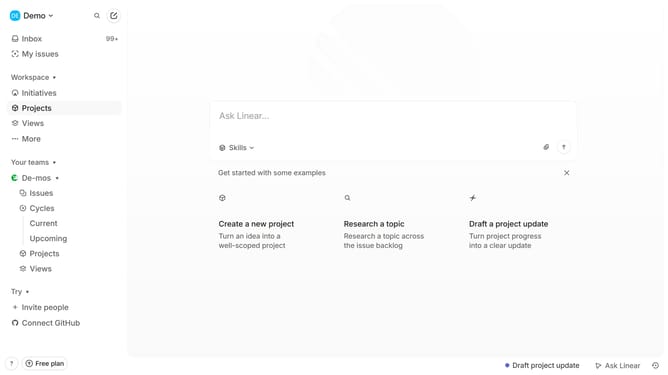
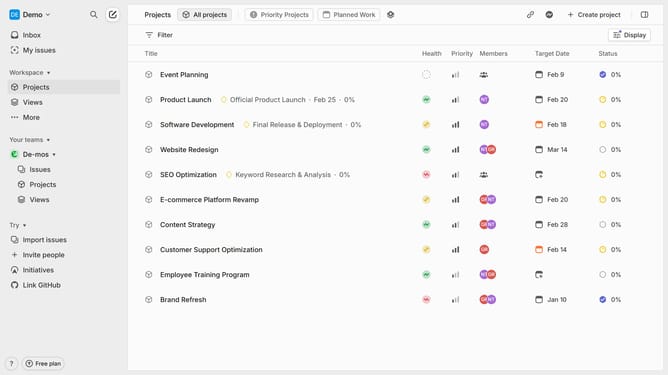
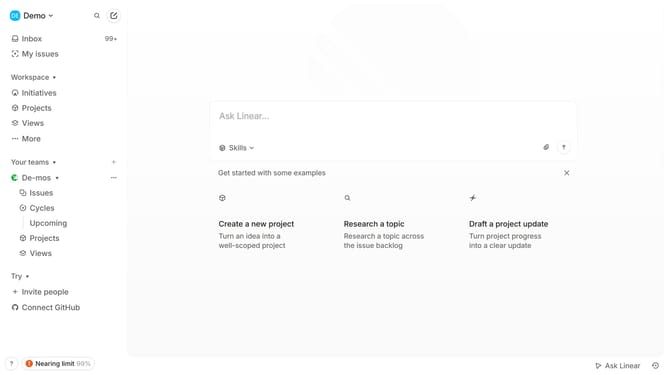
- First click on "Projects" in the sidebar
- Then click on the project name from the project list
- Next, click on the document title from the resource link
- Then click on the three dots menu icon
- Finally click on the "Delete" button
Why should you delete tables to documents in a project on Linear
Linear is a modern project management tool designed to streamline team workflows and boost productivity effortlessly.
The unique feature of deleting tables in documents within Linear projects allows users to maintain a clean, organized workspace. This feature is particularly beneficial when there's a need to eliminate unnecessary or outdated information, ensuring that documents remain concise and focused.
By efficiently managing document content, teams can enhance collaboration and make project tracking more intuitive. Keeping project documents tidy not only simplifies navigation but also aids in maintaining a clear overview of project status. This ensures that all team members stay aligned and informed about current objectives.
Last update