How to mark a Linear app cycle as unfavorite in Linear
Here is how to mark a linear app cycle as unfavorite in linear
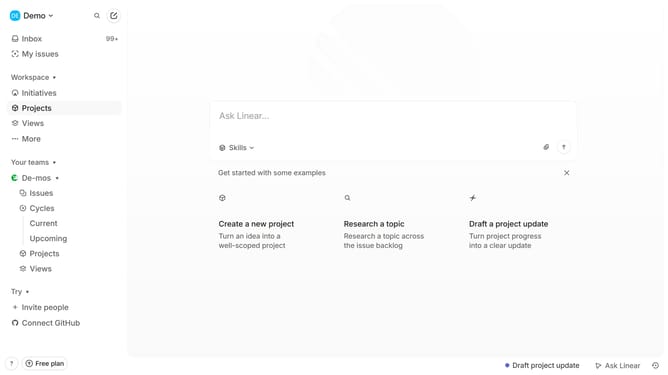
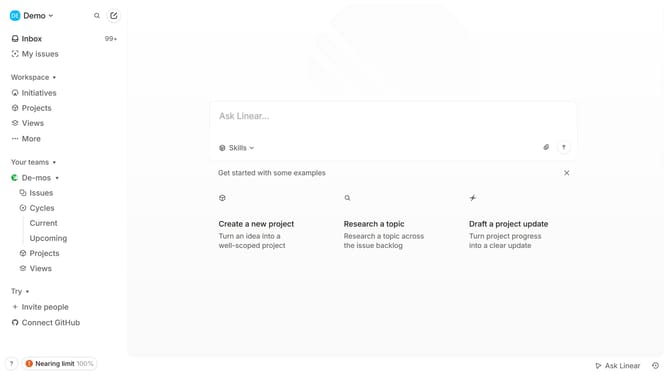
- First click on "Cycles" in the sidebar
- Then click on the Cycle that you want to manage in the main content view
- Finally click on the star icon to favorite the cycle
Why should you mark a Linear app cycle as unfavorite in Linear
Linear is a cutting-edge tool designed to streamline team management and boost productivity through seamless task organization.
The feature to mark a cycle as unfavorite is an efficient way to declutter your dashboard and refocus your energy on current priorities. This simple action allows team members to tailor their workspace, ensuring that high-priority tasks remain at the forefront of their attention.
Eliminating distractions enhances decision-making and promotes a more organized workflow, ultimately driving the team towards more successful project completions.
Last update